25
After Sales Support
Telephone: 1300 663 907
Internet: www.winplus.com.au
Sensor Time Delay
Changing the PIR motion sensor time delay
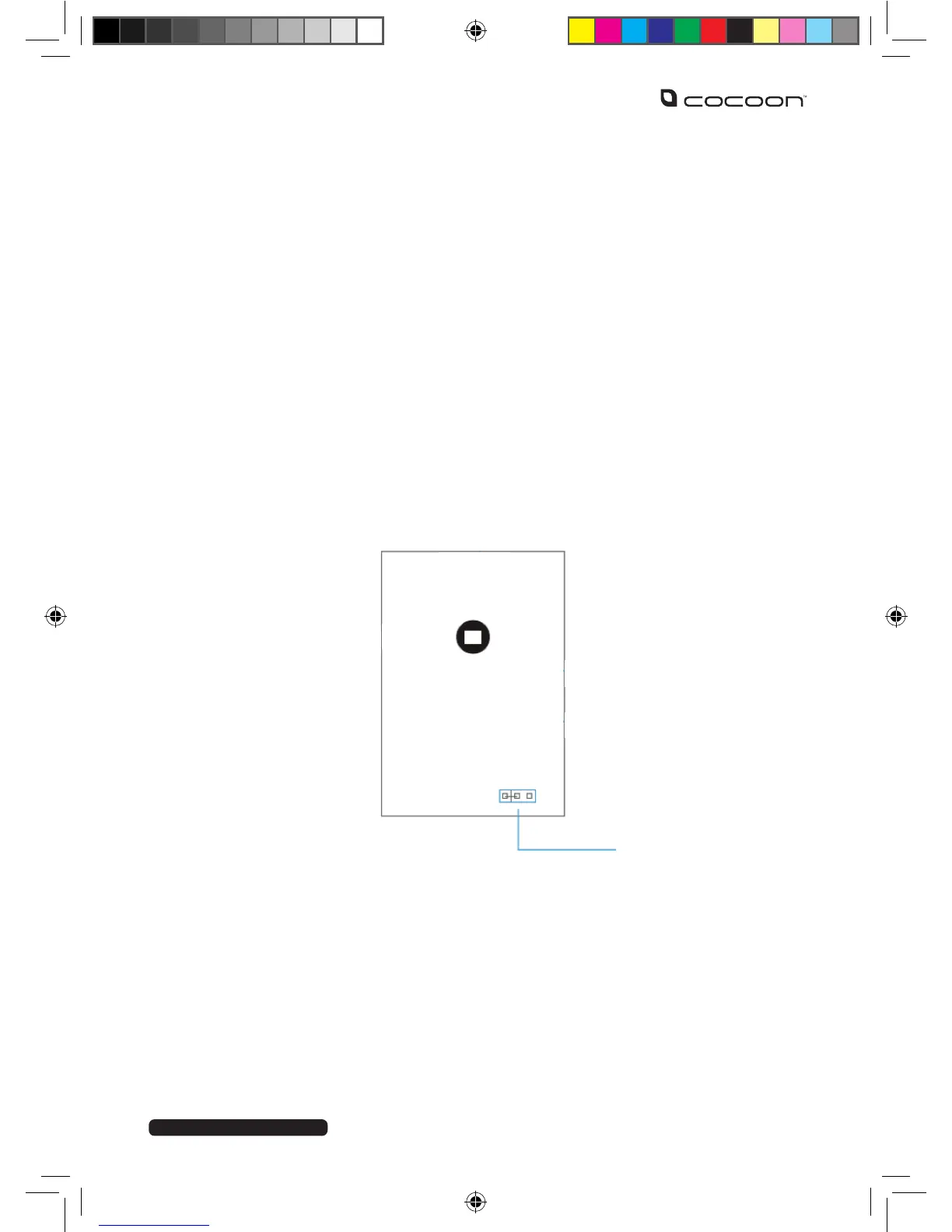
Each of the PIR motion sensors can be set to one of three time delays, (5s, 30s, 2mins) by
rearranging the jumpers supplied inside the product housing. The default delay is 30 seconds.
1. Remove the PIR motion sensor from the wall bracket.
2. Use a Phillips head screwdriver to unscrew the fastening at the bottom of the unit.
3. Remove the front housing, and remove the battery.
4. Locate the time delay setting jumpers – they are near the bottom of the PCB, close
to the battery.
5. Use ne-tipped pliers to rearrange the jumpers to your desired conguration, as
marked on the PCB.
6. Install the battery, observing the correct polarity.
7. Replace the front housing and tighten screw.
How do I reset the system?
1. Remove the control panel from the wall mounting plate.
2. The alarm will sound. Enter your pin and press disarm.
3. Rapidly press the tamper switch (back button) 5 times within 5 seconds.
4. The control panel will beep twice to indicate a successful reset.
PIR SENSOR



 To Next Page