7
After Sales Support
Telephone: 1300 663 907
Internet: www.winplus.com.au
Getting Started
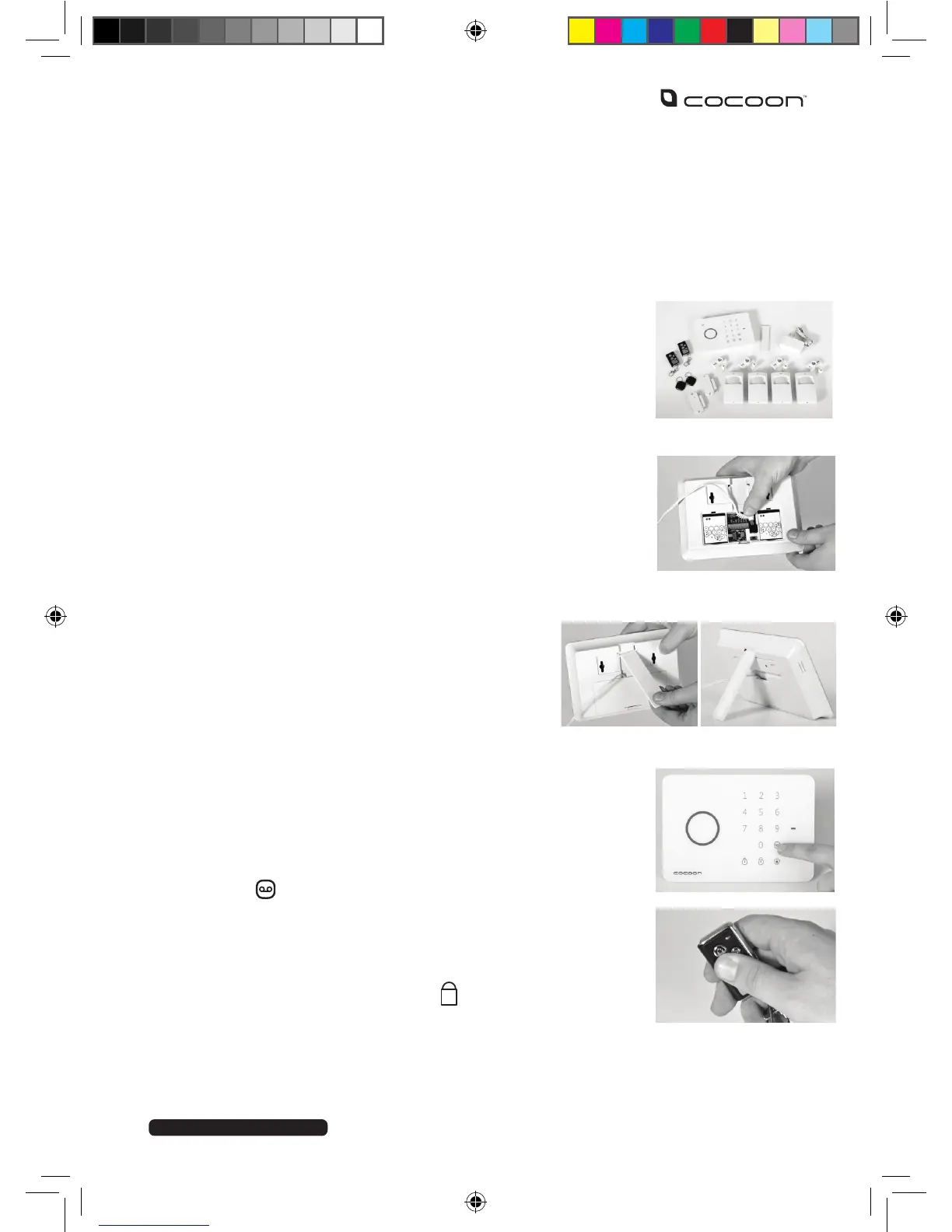
1. UNPACK
Unpack the Cocoon Wireless Alarm Kit from the packaging and check you
have all components.
• 1 x Control Panel
(Batteries Incl.)
• 1 x Power Adaptor (Batteries Incl.)
• 4 x PIR Sensors (Batteries Incl.)
• 2 x Door/Window Alarms (Batteries Incl.)
• 2 x Remote Controls (Batteries Incl.)
2. CoNNeCt Power to CoNtrol PANel
A. Remove the bottom back panel
B. Insert the power adaptor and feed cable up through opening,
switch to ‘ON’
C. Replace bottom back panel
D. Connect to power and turn power point on
3. MoUNt StANd
A. Insert stand arm to the top of the control panel
as shown
B. Attach wall mount panel to rear of control panel.
This will depress the anti-tamper button and hold
stand arm in place
4. eNter PAiriNg Mode
A. To enter pairing mode Enter the PIN number of the control
panel (default 1234)
B. Press the
button
5. PAiriNg the KeyChAiN reMote
A. After completing step 4, press the button on the remote
B. The Control Panel will beep twice to indicate successful
pairing
• 2 x Security Stickers
• 2 x Swipe Tags
• Mounting accessories



 To Next Page