EasyManua.ls Logo

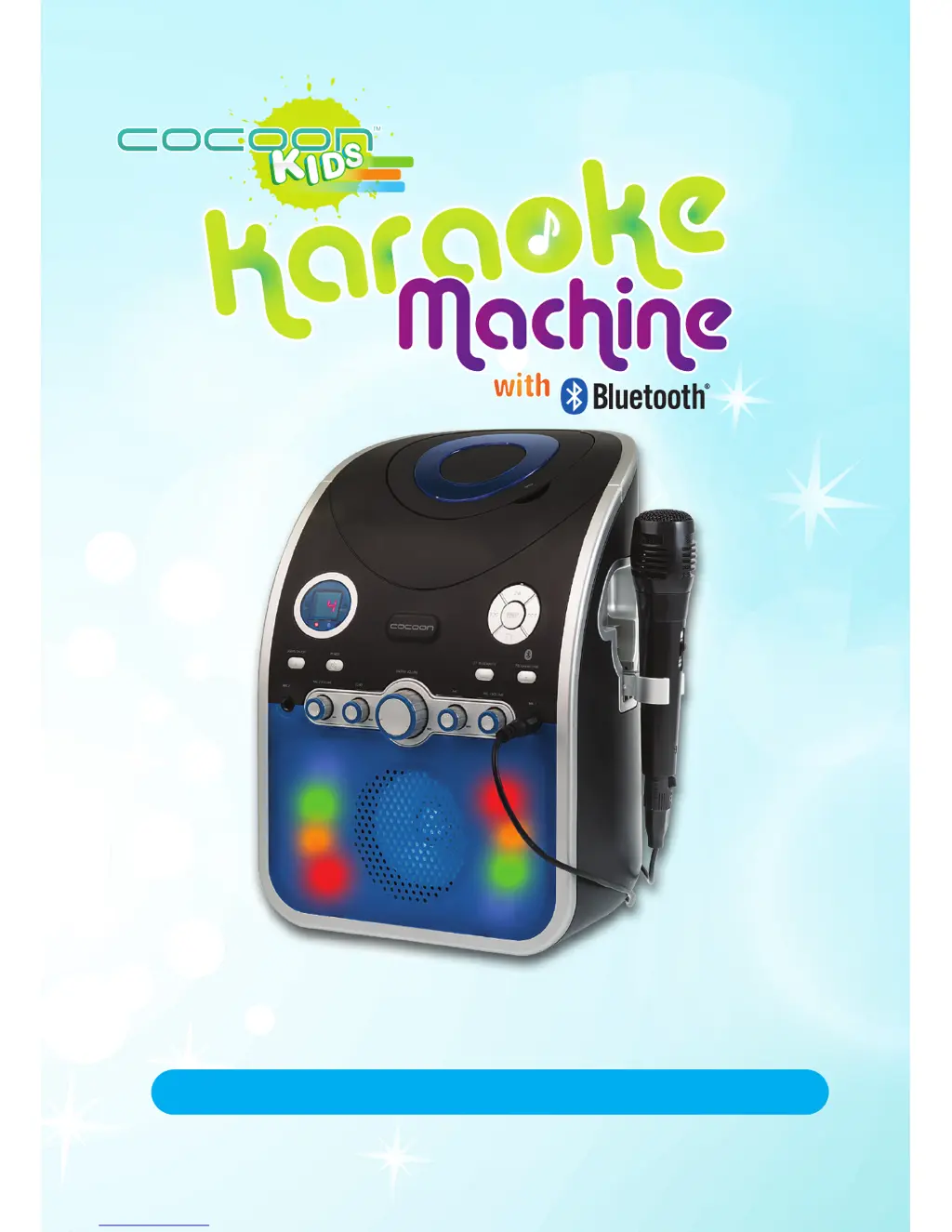
Cocoon HE414118 - User Manual

Default Icon
20 pages
Print Icon
To Next Page IconTo Next Page
Loading...
INSTRUCTION MANUAL
Model Number: HE414118
CREA TE
PL AY
EDUC ATE
with

Other manuals for Cocoon HE414118

Questions and Answers

Summary

Warranty Note

Warranty Details

Safety Instructions

Parts List

Technical Specifications

Product Overview

Product Features

Highlights the karaoke machine's ability to play CDs, CD+Gs, and Bluetooth audio for years of use.

Item Overview

Details the location and function of controls and components of the karaoke machine.

Installation

Powering the Karaoke Machine

Instructions on connecting the AC power cable and turning the unit on using the power button.

Connecting a Microphone

Steps for connecting wired microphones to Mic 1 or Mic 2 ports and adjusting volume.

Inserting a CD or CD+G

Guidance on inserting CDs, including CD+G discs for lyrics display when connected to a TV.

Operation

Controls and CD Playback

Explains the functions of Play/Pause, Stop, Skip, and Program buttons for CD playback.

Audio Playback Functions

Details Master Volume, Auto Voice Control, Balance, and Echo functions for audio output.

Connecting a Bluetooth Device

Steps for pairing and connecting a Bluetooth device for wireless audio playback.

Disco Lights

Instructions on how to turn the disco lights on and off.

Connecting to your TV

Guidance on connecting the karaoke machine to a TV to display lyrics from CD+G discs.

Charging a USB Device

Instructions for using the karaoke machine's USB port to charge external devices.

Troubleshooting

Repair and Refurbished Goods or Parts Notice

Cocoon HE414118 Specifications

General IconGeneral
BrandCocoon
ModelHE414118
CategoryKaraoke System
LanguageEnglish