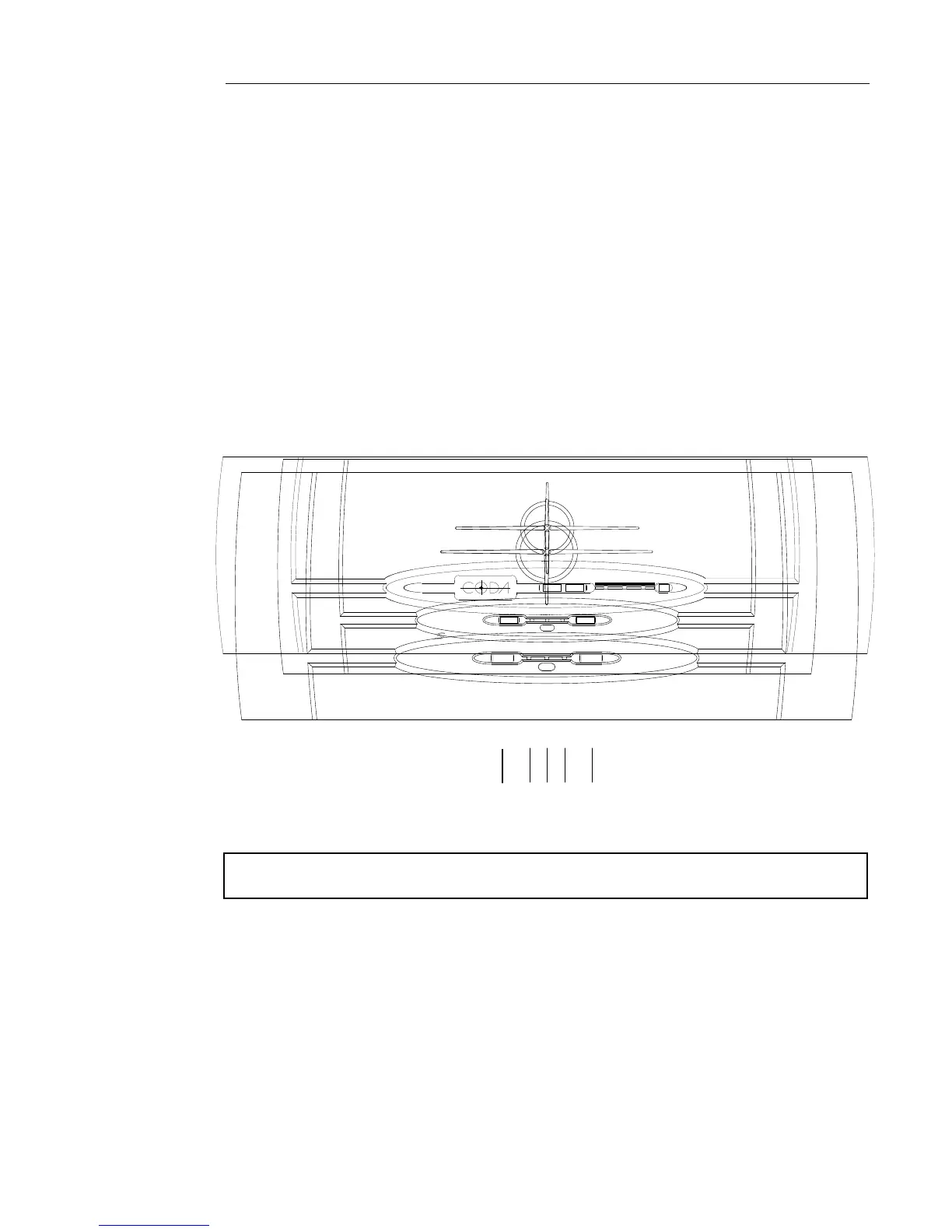
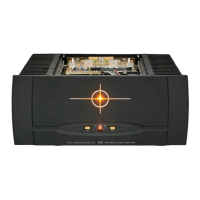
II. Front Panel Control Functions and Indicators
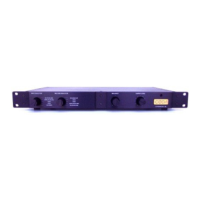
1 243 3
4. This two color LED indicates that the main power is on. When it is red the
balanced inputs are in use. When it is yellow the unbalanced inputs are in use.
3. These LEDs, when lit, indicate that the bias is enabled and muting is o.
2. The input selector button switches between the balanced and unbalanced inputs.
1. The bias button enables the bias, eectively "turning on" the amplier's
components, and opens shunting relays that mute the input.
Note: If a power interruption occurs to the system the amplier will power on with the
bias o. Press the bias button to resume use of the amplier.
DETAILED INSTALLATION 5
PRECISION BIAS CLASS A AMPLIFIER
S
5.5
BIAS
INPUT
LEFT
RIGHT
XLR/GN
RCA/YL
BIAS INPUT
LEFT RIGHT
XLR/GN
RCA/YL
PRECISION BIAS AB AMPLIFIER
33.0
CODA TECHNOLOGIES INC.
BIAS INPUT
LEFT RIGHT
XLR/GN
RCA/YL
PRECISION BIAS AB AMPLIFIER
40.0
CODA TECHNOLOGIES INC.


 To Next Page