77
© Tieline Research Pty. Ltd. 2021
Gateway and Gateway 4 Manual v1.2
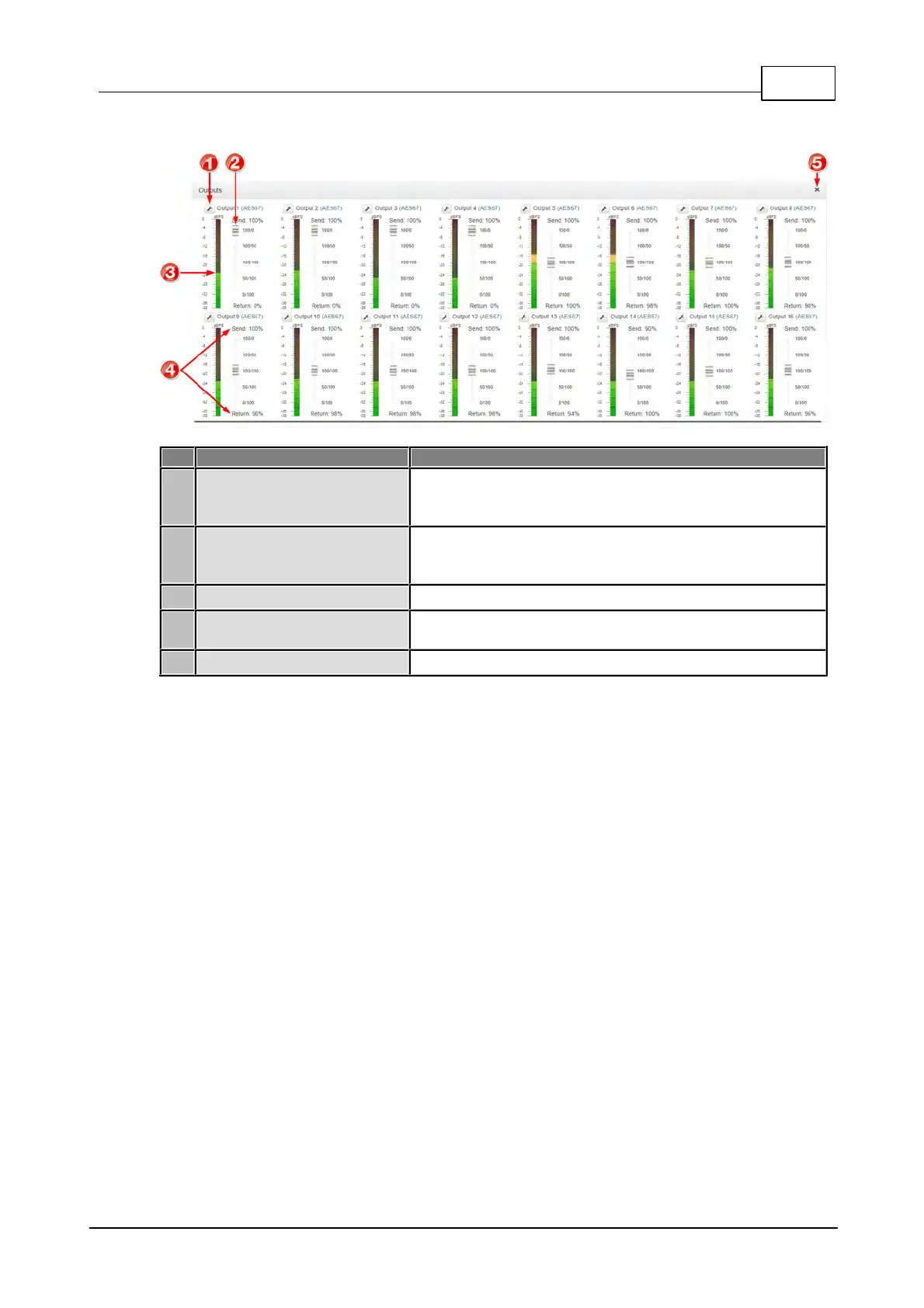
Outputs Panel
Select analog or digital as the output type. Note: configure
the global digital output type via Setting > Audio Options >
Dig.Output Type > [select AoIP or AES3].
Use the Send/Return slider to adjust the balance between
the mix of incoming (return/decoder) audio and outgoing
(send/input) audio fed to each codec output
Balance of send and return audio included in the mix for
each output (expressed as a percentage)



 To Next Page