78 Gateway and Gateway 4 Manual v1.2
© Tieline Research Pty. Ltd. 2021
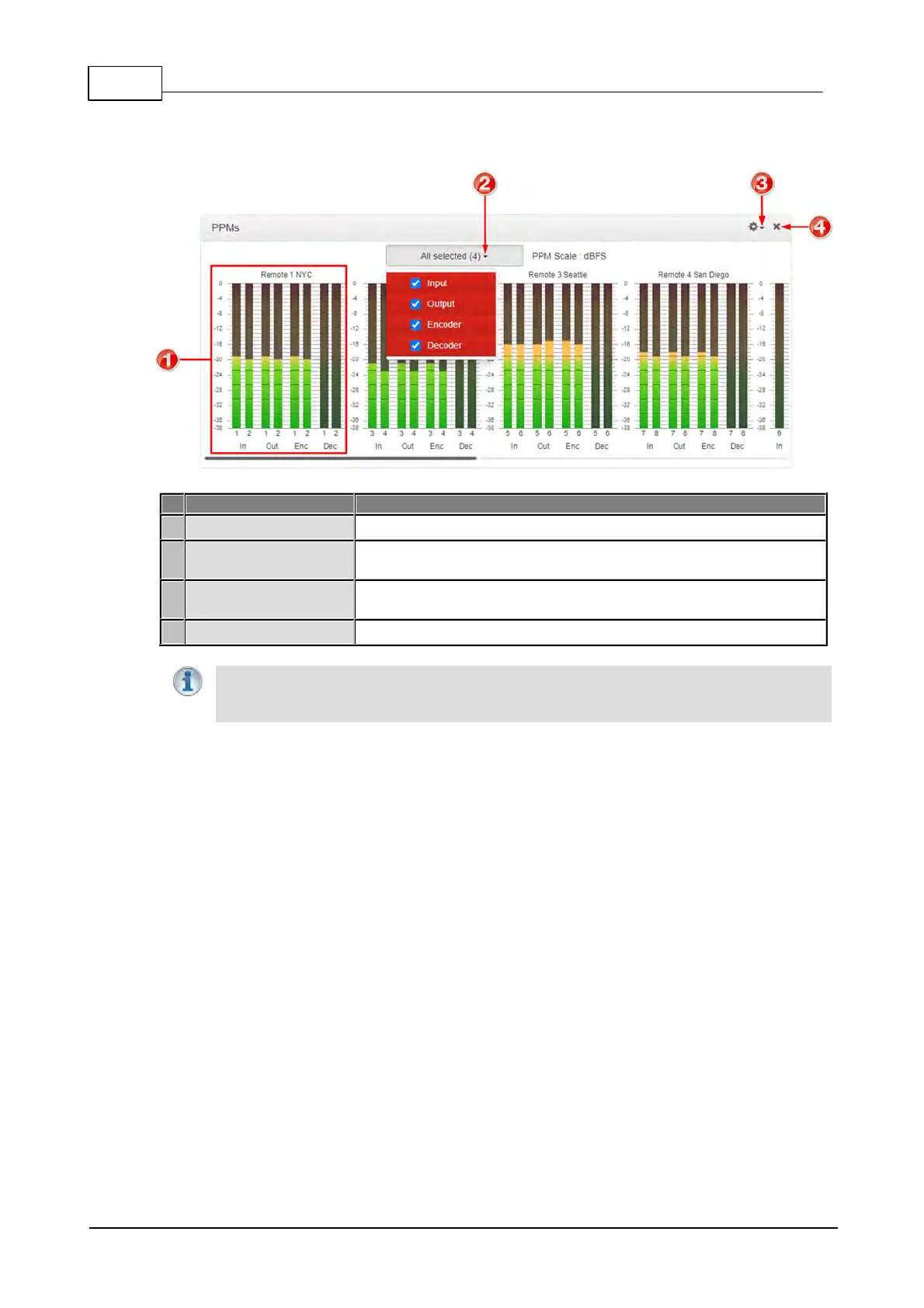
PPMs Panel
Note: Click and drag the bottom right-hand corner to expand the panel.
Audio stream PPMs grouped
Selectable audio stream PPM metering options using dBFS audio
scale
Options menu allows users to group PPMs by stream, or by type,
e.g. input, output, encoder and decoder.
Click to close the panel.
Important Note: Codec front panel PPMs 1-6 and PPMs in the PPMs panel always
reflect the default program settings and do not display customized mix adjustments using
the Matrix Editor.



 To Next Page