33
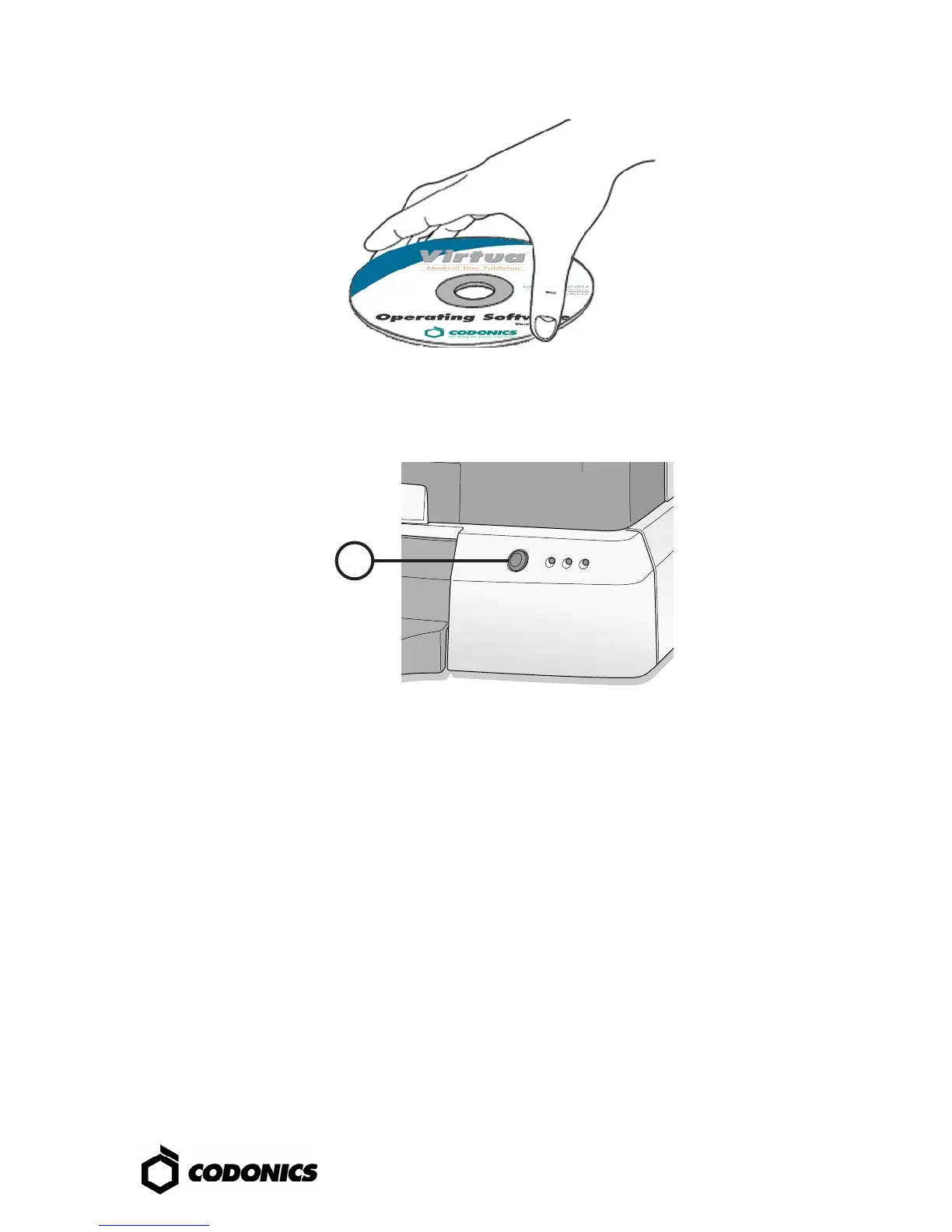
3. Place the “Operating Software” disc in the bottom drive tray.
4. Close the bottom drive tray.
5
5. Power-on the Controller.
6. Wait 45 minutes for the software to install.
7. Remove the “Operating Software” disc from bottom drive tray.
8. Close the bottom drive tray.



 To Next Page