4. P28 Plus interface operation instructions
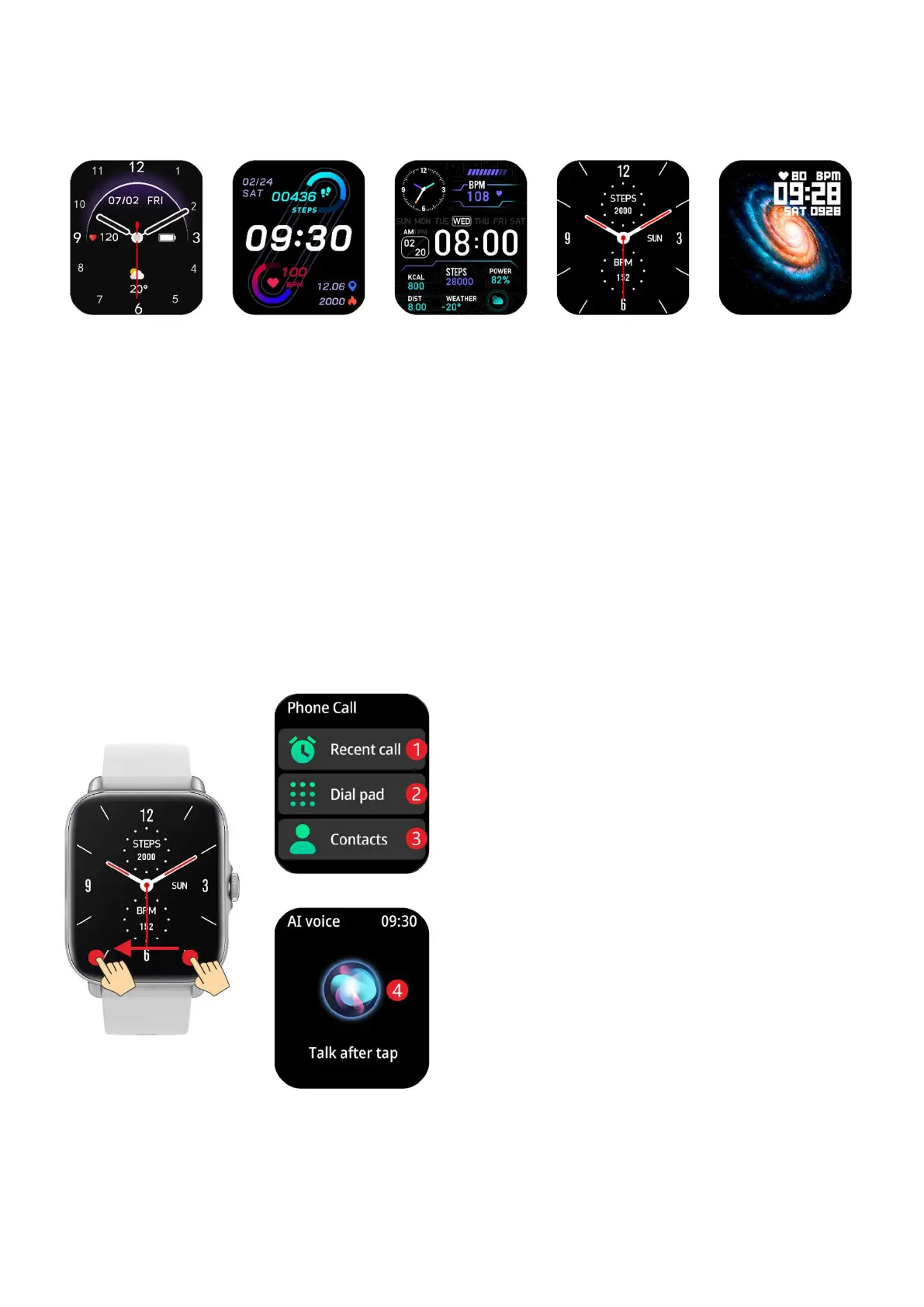
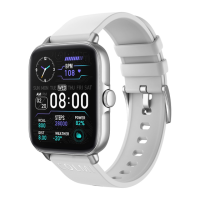
a) Dial instructions
P. S. long press the dial to enter the dial switching interface, and
slide left and right to switch the dial
b) Quick interface instructions
Left swipe on the dial interface to enter the shortcut
interface
1: View call records
2: Dialing keypad
3: Contacts (need to be
synchronized to watch via Da Fit)
4: Click to use intelligent voice
input (need to synchronize to the
watch through Da Fit)


 To Next Page