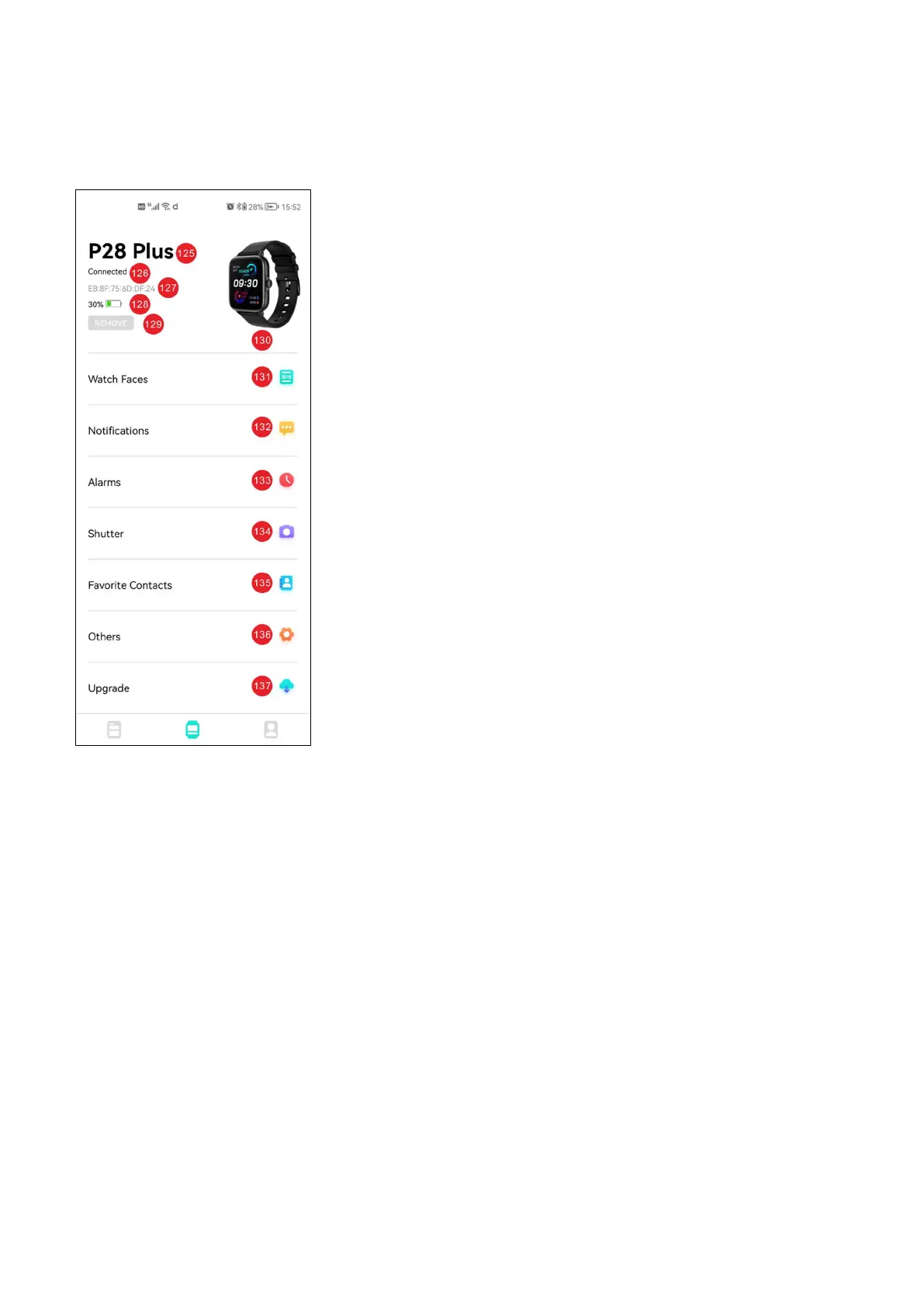
i) Setting interface description
125: Connected device name
126: Device connection status
127: Bluetooth MAC address of connected
device
128: Connected device battery level
129: Remove connected devices
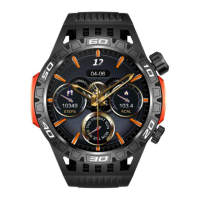
130: Preview of connected devices
*131: Dial setting and downloading
interface
132: Message push settings
133: Alarm clock setting
**134: Remote camera
***135: Frequently used contacts
136: Other settings
137: Connected device software upgrade
*The dial download interface requires the user's authorization. Da
fit can use the mobile network function permission
**The camera used by the remote camera function is that Da fit
calls the main camera of the mobile phone, and Da fit cannot call
the macro lens, wide-angle lens, etc. in the multi camera of the
mobile phone
***Favorite contacts can add up to 8 phone numbers to the watch
synchronously


 To Next Page