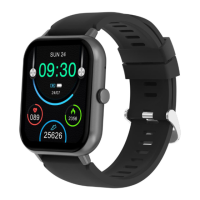
① Touch And Key Operation Instructions
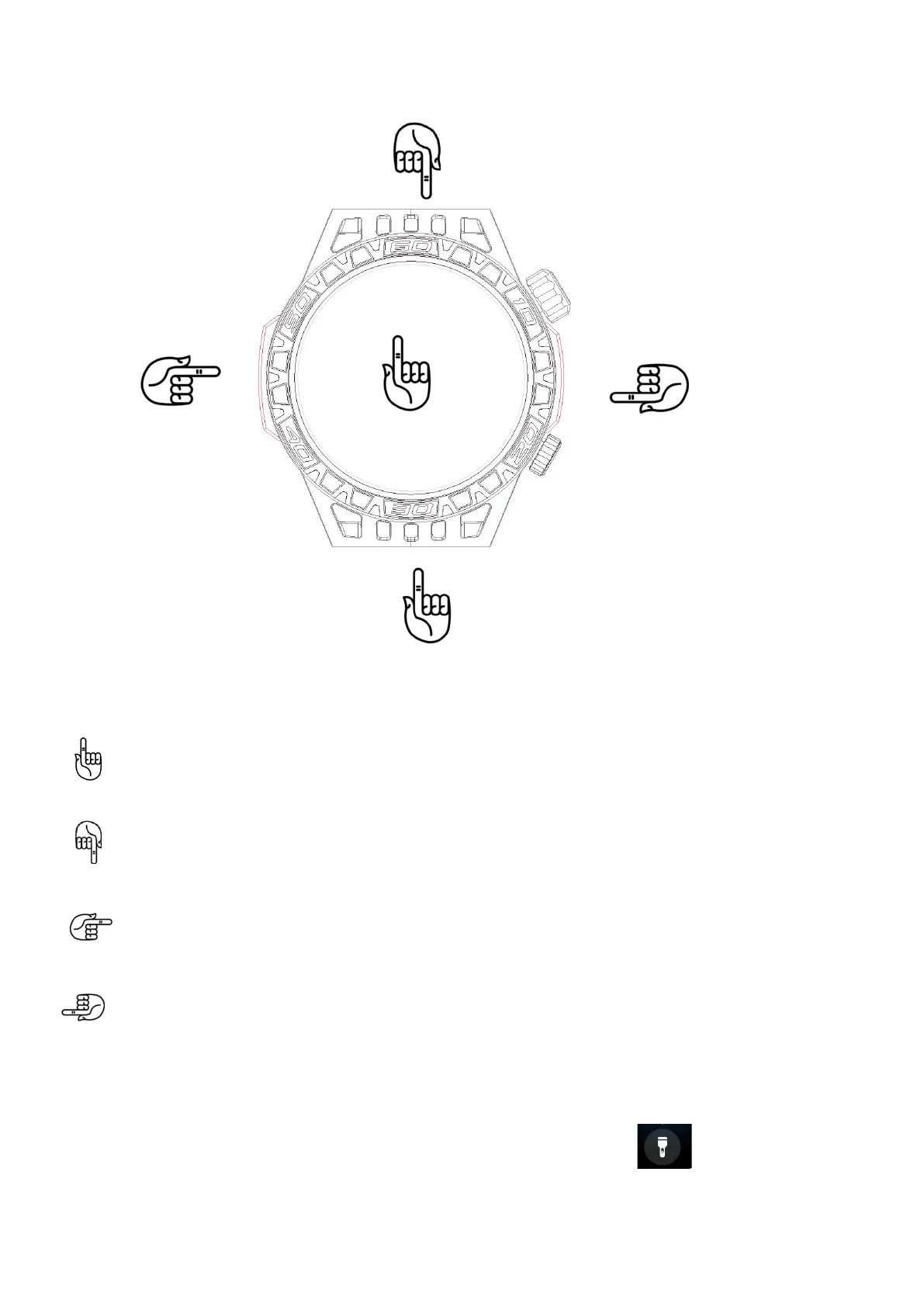
Screen Operation Button Operation
Swipe Up Long press the ON/OFF button
1.SMS Notification 1.Power on 2.Power off
Swipe Down Short press the ON/OFF key
1. Control Interface 1. Awaken the screen
2. Display the UI list
Swipe Left 3. Return to previous menu
1. Function Interface
Rotate the ON/OFF key
Swipe Right 1. Switch watch face styles
1. Quick Sidebar
Press the MODE button
1. Go to the sports list
Flashlight Introduction
Swipe down in the main interface to view control interface, click to turn on/off the
LIGHT
Swipe Right
Swipe Left
Swipe UP
Swipe Down
----On/Off Key (Rotary Button)
---Mode Key



 To Next Page