7
•
•
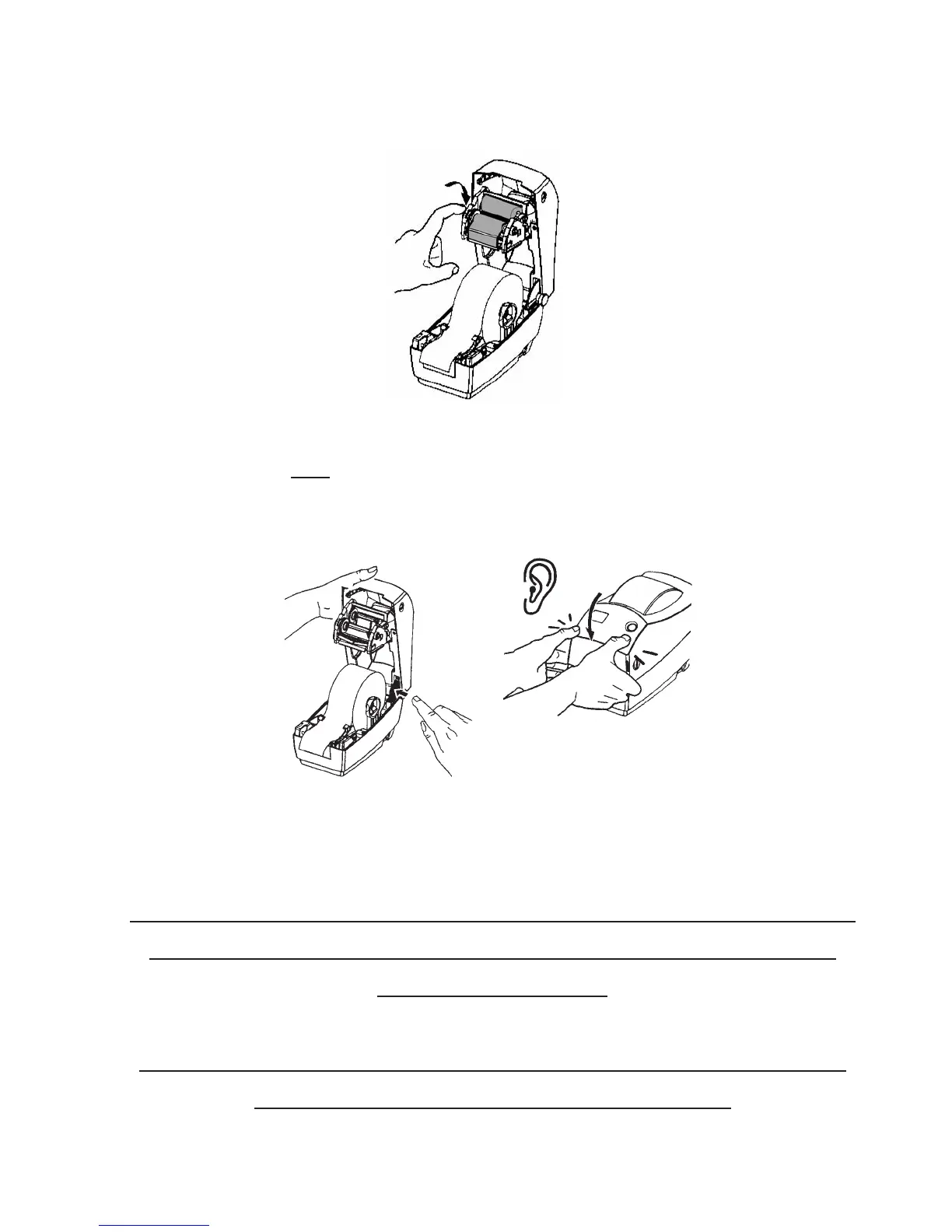
Using the roll control (on left) turn clockwise until ribbon shows all
black.
Push print head back up into top of cover. Close cover.
(Print head will not
lock in place.)
**NOTE: RETAIN THE CARDBOARD CORE SINCE
YOU WILL NEED IT EACH TIME YOU REPLACE
YOUR RIBBON!
**DO NOT REUSE THE RIBBON, IT WILL CAUSE
THE PRINTER TO GO OFF LINE!


 To Next Page