EasyManua.ls Logo

Coltene BioSonic US100R - User Manual

Coltene BioSonic US100R
136 pages
Print Icon
To Next Page IconTo Next Page
Loading...
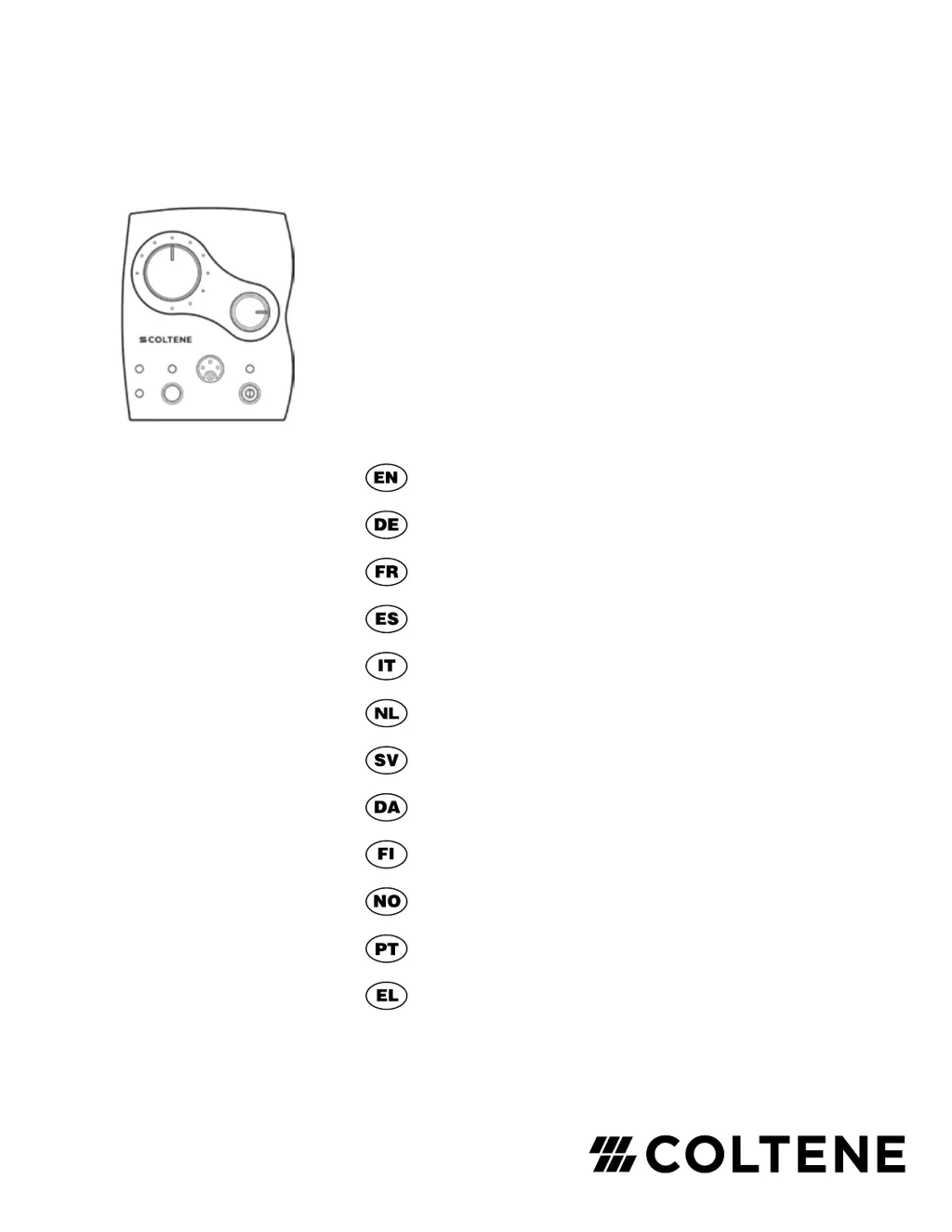
BioSonic
®
US100R
Ultrasonic Scaler System
Owner’s Guide
Benutzerhandbuch
Guide d’utilisation
Guía de uso
Guida per l’utente
Gebruiksaanwijzing
Bruksanvisning
Brugerhåndbog
Käyttöohje
Brukerveiledning
Instruções de utilização
Εγχειρίδιο χρήσης

Questions and Answers

  • C
    Charles HudsonJul 25, 2025
    How to troubleshoot a Coltene Media Converter that will not operate?
    • J
      Joel SweeneyJul 25, 2025
      If your Coltene Media Converter unit isn't operating, first, ensure the ON/OFF switch is in the ON position and the detachable power cord is fully connected at the back. The ON/OFF indicator light should be illuminated. Next, verify the unit's electrical plug is securely in an active AC receptacle. Finally, disconnect the power cord and inspect the fuse(s).
  • T
    teresa85Aug 4, 2025
    What to do if Coltene Media Converter sprays water, but the insert does not vibrate?
    • G
      gibsonnancyAug 4, 2025
      If the Coltene Media Converter sprays water but the insert doesn't vibrate, the issue might be with the insert itself or the frequency setting. Try using a different insert, as the original might be worn or damaged without being visibly obvious. Also, check the indicator light to confirm the unit is set to the same frequency as the insert. Adjust the switch on the back of the unit to the correct frequency if needed.
  • S
    Scott SolisAug 15, 2025
    Why is there no water at the insert of my Coltene Media Converter?
    • D
      Denise BallAug 15, 2025
      If there's no water at the insert of your Coltene Media Converter, ensure the H2O control is properly adjusted to allow a fine mist or rapid drip. Check that the main shut-off valve is open and that the water knob is turned clockwise to the 'open' position. Inspect both the disposable and customer-supplied in-line water filters for clogs, and confirm that the water lines are not kinked. Lastly, check the insert tip for any blockages.

Summary

BioSonic US100 R: Clinical Benefits and Setup

System Connections and Power-Up

Covers connecting water, power, handpiece, foot switch, and setting frequency.

Operating Instructions

Core Scaling Procedures

Covers general operation, flushing lines, seating inserts, and basic technique.

Maintenance and Sterilization

Ultrasonic Cleaning of Inserts

Details the process for cleaning ultrasonic inserts after use, including immersion and brushing.

Sterilization and Daily Cleaning

Provides instructions for sterilizing inserts and daily shutdown/cleaning routines.

Environmental, Storage, and Safety Information

Contraindications and Precautions

Lists specific conditions where the scaler should not be used and safety precautions.

Cautions and General Warnings

Highlights critical warnings related to burns, electric shock, explosion risks, and general cautions.

Safety Precautions and Product Details

Troubleshooting and Technical Specifications

Solving Water and Vibration Issues

Offers solutions for diagnosing and resolving water flow and insert vibration problems.

Electromagnetic Compatibility (EMC) - Part 1

Electromagnetic Compatibility (EMC) - Part 2

Electromagnetic Compatibility (EMC) - Part 3

Electromagnetic Compatibility (EMC) - Part 4

Coltene BioSonic US100R Specifications

General IconGeneral
BrandColtene
ModelBioSonic US100R
CategoryMedical Equipment
LanguageEnglish

Related product manuals