Using the Canopy
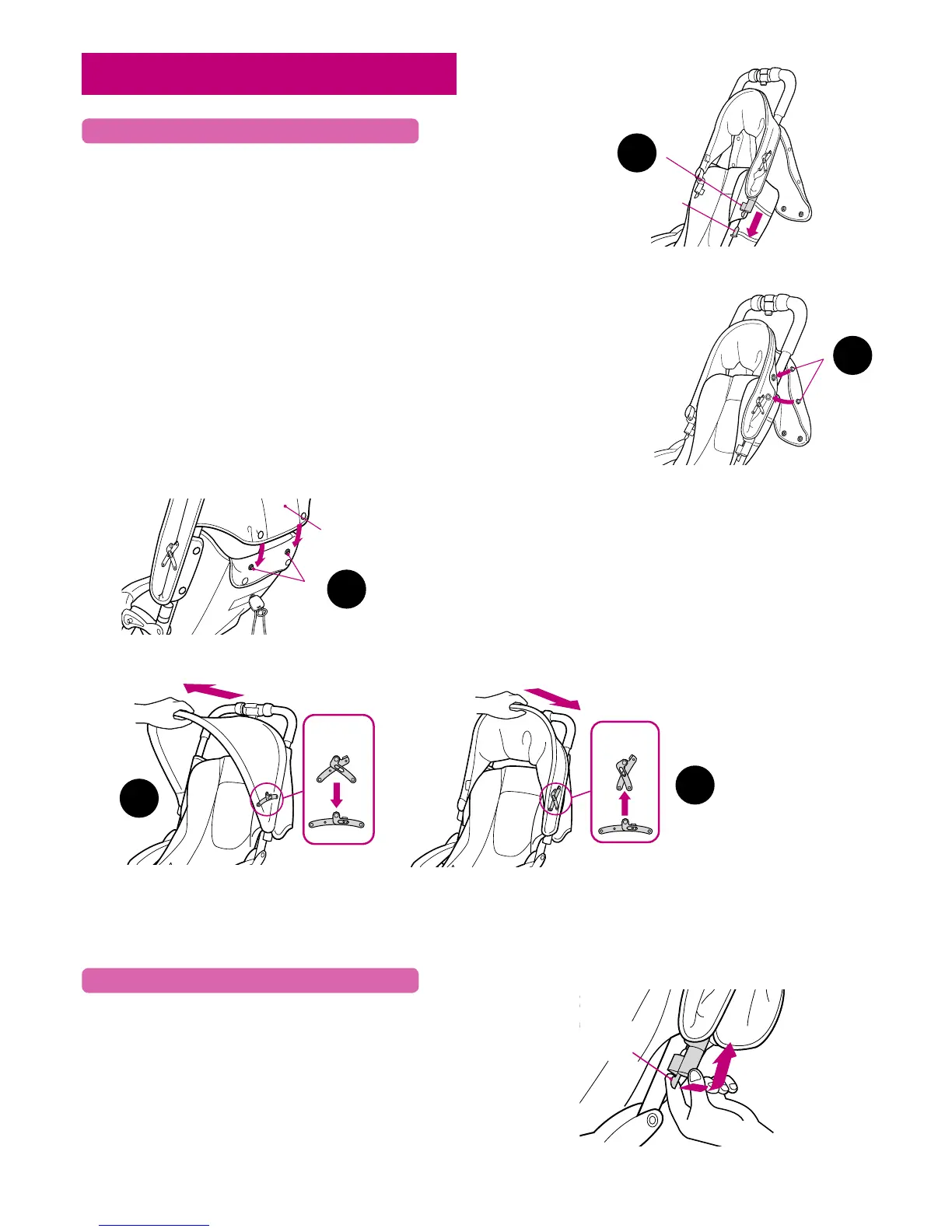
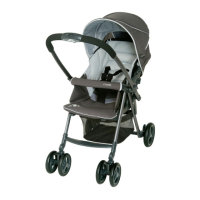
1. Fully insert the canopy attachment (male) to the canopy
holder (female). Connection will be confimred with an
audible “click”.
2. Attach snaps on backside of canopy to snaps on front side
of canopy.
3. Attach snaps on lower portion of canopy to snap on the
back of the seat cushion.
4. Press down canopy lock to fully extend canopy.
5. Push lock up to fold canopy.
Pull the (male) canopy attachment and press upward to
remove canopy.
Attaching Canopy
Removing Canopy
1
2
2
4
3
5
Page 9



 To Next Page