Reset button. Press down less than 10s to restart ONU and more
than 10s to restore factory default.
G/EPON interface, SC/PC type, single mode optical fiber cable.
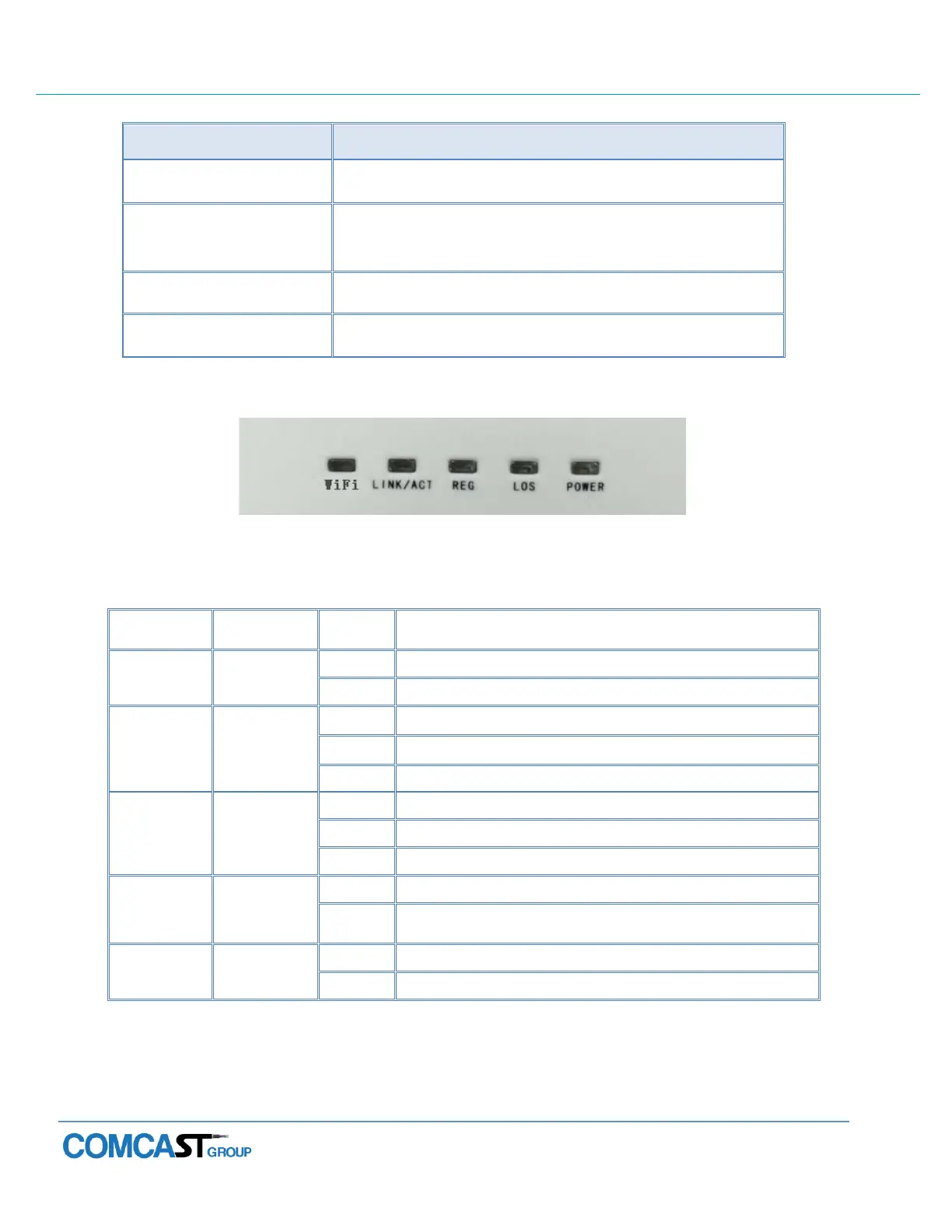
Indication Panel
Figure 1-4: Indication panel
The WiFi is powered down.
Port is connected properly.
Port connection exception or not connected.
Port is sending or/and receiving data.
The device is registered to the G/EPON system.
Device is not registered to the G/EPON system.
Device does not receive optical signals.
Device has received optical signals.
The device is powered up.
The device is powered down.



 To Next Page