9
Wall Mounting
*Note:
Please make sure that the xCam2 is configured and added to the network before
permanent mounting.
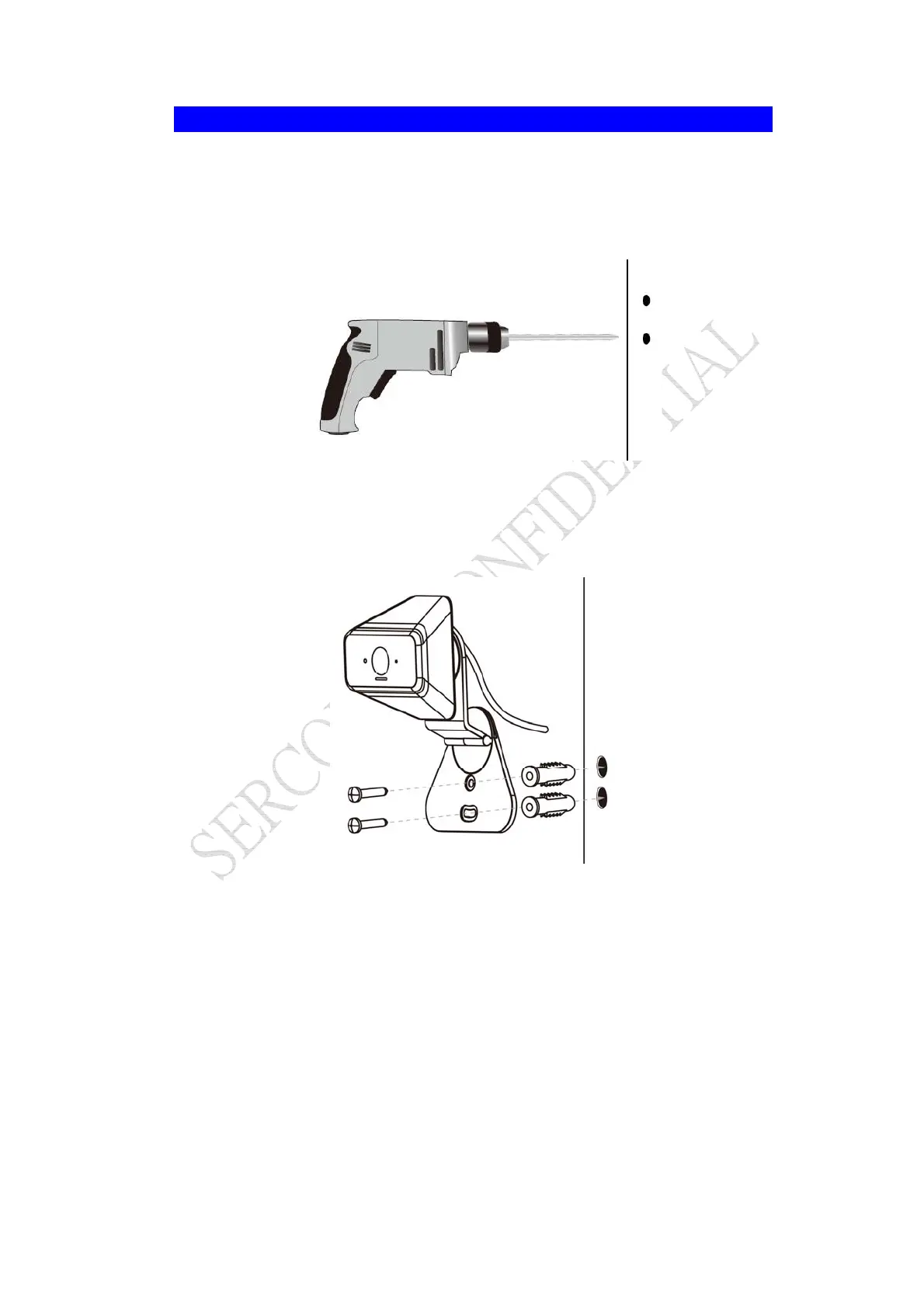
1. Use the electric drill for boring two holes in the desired position where you would like to
install the xCam2 .
Note: It is suggested to use "PH2" screwdriver. The diameter of the mounting hole is
6.35mm and total depth is 36.2mm.
2. Screw the two anchors into the holes of the wall.
3. Attach the xCam2 to the wall and secure it with the two screws.


 To Next Page