2
EN
Description of the monitor Fig. 1
1. Brightness control
2. Colour intensity adjustment for Art. 6701
3. 4.3’’ LCD screen (in colour for Art. 6701, B/W for Art. 6700W)
4. Call volume adjustment (high - medium - low)
5. Monitor handset (lift handset to start communication)
To increase the value, turn clockwise
To increase the value, turn clockwise
Contrast adjustment for B/W monitor Art. 6700W
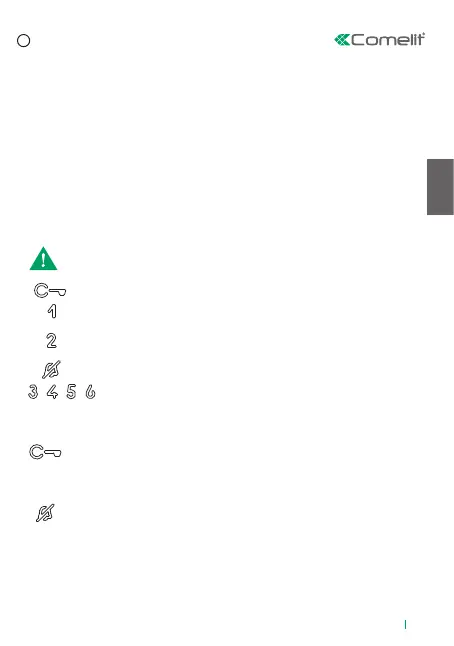
Capsense key description:
Indicator LED description:
Lock-release key: can be used to open the electronic door lock.
Key 1 Actuator function (programmable*): can be used to activate the relay
for a specific actuator installed within the system
Key 2 Self-ignition function (programmable*): can be used to receive images
from external unit cameras or from remote cameras.
Privacy key: can be used to exclude the ringtone on receipt of a call.
Keys (programmable*) present as standard on all black monitors (for
white monitors they can be added using an accessory*)
Lock-release LED
slow flashing: door open
1 flash after pressing: door opening confirmation
continuous flashing: call in progress
steady: privacy function enabled
3 flashes (every 5 sec.): doctor function enabled
4 flashes: system engaged
Privacy LED
*For further information please contact your installer.
Wait for approximately 1 sec. before pressing the same key again.
Pressing the same key several times in quick succession will cancel the
command.
Press the desired key once to activate the function associated with it.



 To Next Page