�
Setting Steps
Attention: This user manual is only for settings steps. If have more
function requirements, pls visit our web:www.szcomfast.com
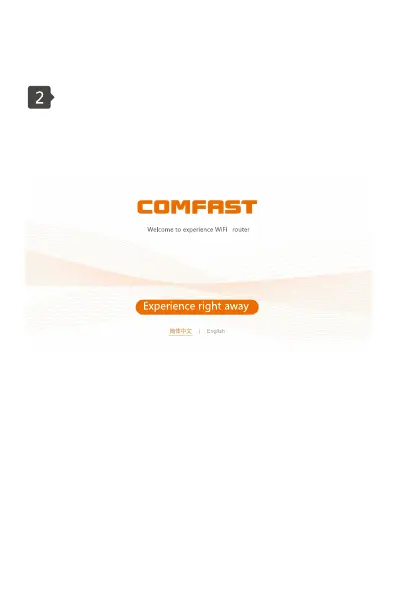
2.1 After connecting the routing device,enter 192.168.0.1 in the
address bar of your computer (mobile phone) browser to enter the
device's setup wizard page. Click on "Experience Now"
2,2 Select the Internet access method, broadband dial-up mode
needs to fll in the broadband account and password, Static lP
mode requires lP address, subnet mask, gateway, and DNS
server.
Attention: If login at the first time, it will go to " My guide"
automatically, It is same if reset to factory settings.



 To Next Page