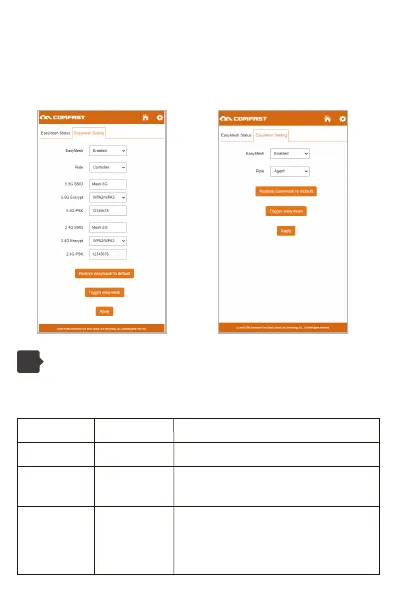
Mesh pairing:
After enabling Mesh, a button for Mesh pairing will appear on the page.
On the pages of the two nodes, click the "Trigger easymesh" button to start
building Mesh.
Light control status
6
You can turn off the lights in advanced settings. NOTE: The power light
cannot be turned off.
AP/Route Mode Trunk/Bridge Mode
Power light Always bright Always bright
Always brightNetwork cable light
Blue light is
always on
WiFi status light
Connect to the network cable light on,
unplug the network cable light off
After successfully connecting to the superior, the
corresponding signal will be displayed.
Blue light: strong signal
Green light: Normal signal
Red light: weak signal



 To Next Page