4
2.2 Input IP Setting
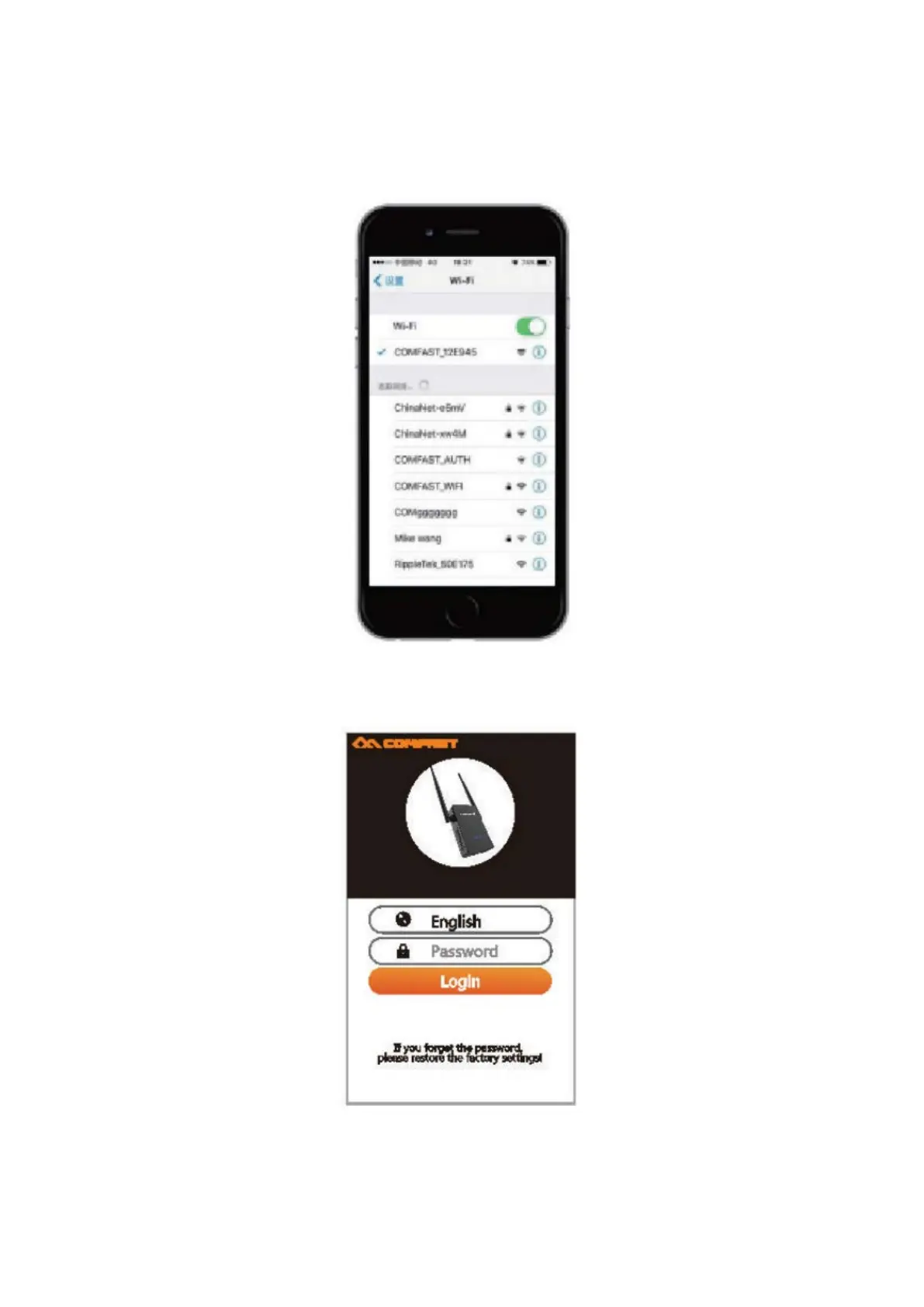
2.2.1 Plug the WiFi repeater into an outlet. Conenct the WiFi name of “COMFAST_XXXX”
with your mobile device (cell phone or tablet).
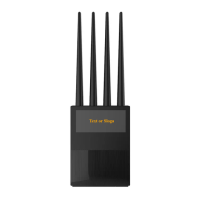
2.2.2 Open your browser and input the 192.168.10.1 IP address. After the site loads,
input the user name and password “admin”.
Change the default language from Chinese to English, enter the default password
“admin” and click the “Log In” button to enter the setting page.


 To Next Page