3
2. Product Installation
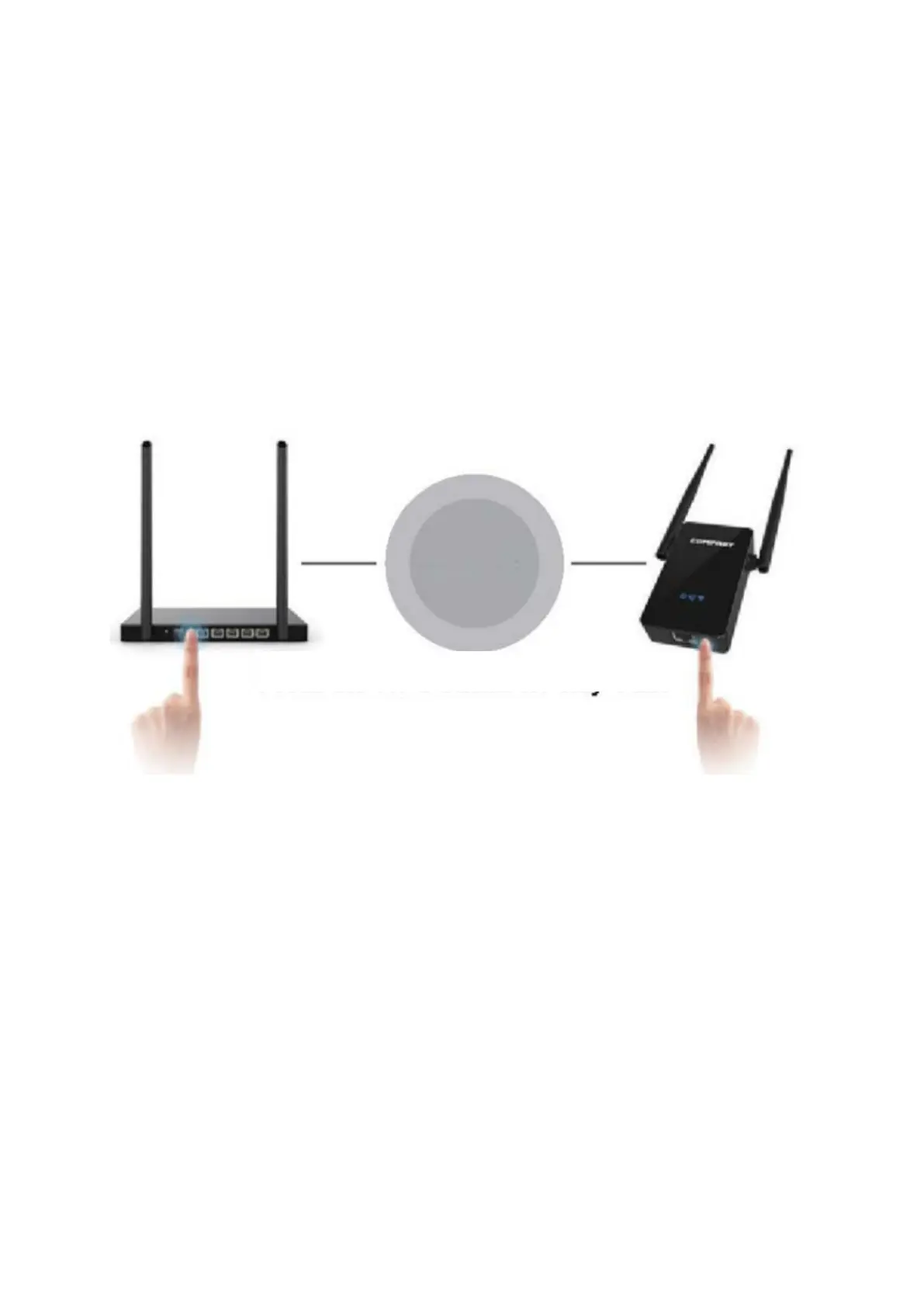
Note: If the router has a WPS button, you need to choose the WPS “one key to repeater“
option to set up the device (see 2.1.1). If not, please enter the ip address 192.168.10.1 to
set up your device (see 2.2.1).
2.1 Press WPS on the repeater and match automatically.
2.1.1 Plug the WiFi repeater into an outlet near the WiFi router: Press the WPS button
on the main router for 1-2 seconds. Then, press the WPS button on the repeater for 1-2
seconds within 50 seconds. Wait for about 30 seconds, the repeater will repeat the
action automatically. The WiFi indicator will switch itself off for a while and light up again
when a repeat is successful. Finally, a new extended WiFi signal named as “Your original
wifi name – Plus” will show up on your WiFi list. (eg: XXXX-Plus)
Please make sure that the device didn’t repeat your other router net when you pressed
the WPS button to repeat. Otherwise, you will have to press the Reset button to restore
the factory settings of the device.
Note:
Please check whether the button on the router is WPS or QSS.
Please check whether the WPS on the router is open (enter the router interface to
check).
Press the WPS button for only 1.2 seconds.


 To Next Page