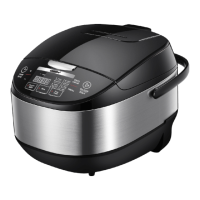
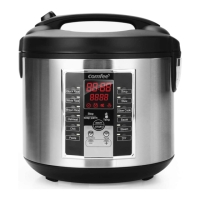
15
OPERATION INSTRUCTIONS
STEAM
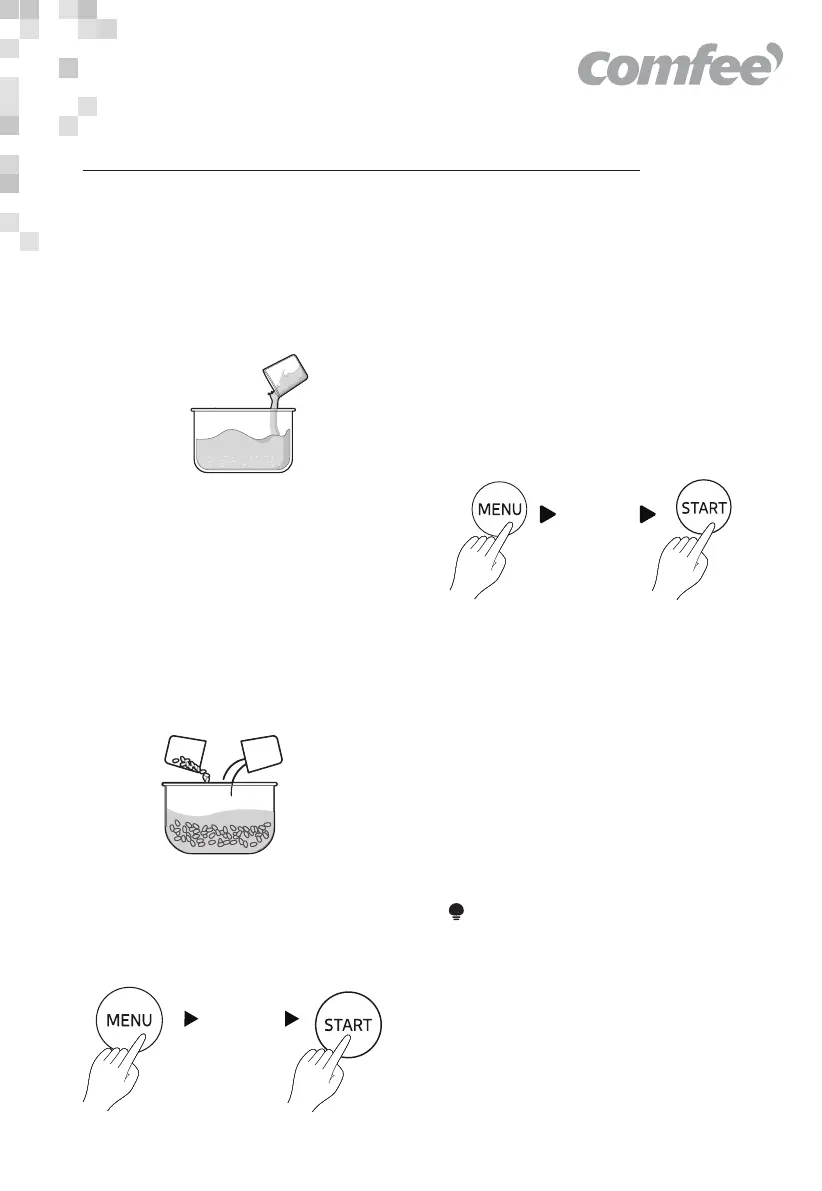
1. Add water
Add water with reference to the STEAM
water level.
2. Cook
Put the food in the steamer, then put
the steamer into the inner pot, close
the lid, press the MENU button and
select STEAM (30 minutes by default),
and finally press the “START” button
and the cooker will enter the cooking
state. When the cooking is finished, you
will hear five beeps, and the cooker
automatically enters into the KEEP
WARM mode.
STEAM
3. Press the “MENU” button to select the
“SOUP” function, and press the “START”
button to enter the cooking state.
(Cooking time is approximately 2 hours)
SOUP
SOUP
1. Prepare the ingredients
Wash the ingredients, cut them into
pieces and put in the inner pot.
2. Add water
Add water according to personal
preference, not exceeding the highest
scale line.
NOTE
1. The water shall not exceed the highest
scale line.


 To Next Page