2
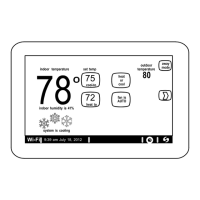
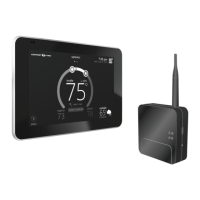
Removing Old Smart Hub
1. Make note of homeowner account information and home Wi-Fi access information.
2. Go to the homeowner web portal and remove the original system from the account.
3. Disconnect power to the entire system.
4. Remove the access cover from Smart Hub.
5. Take a picture or make a drawing showing the control wires and what terminals they are
connected to.
6. Disconnect control wiring.
7. Remove all the screws securing the Smart Hub to wall.
8. Lift up and out to remove Smart Hub from the key hole.
9. Discard old Smart Hub.


 To Next Page