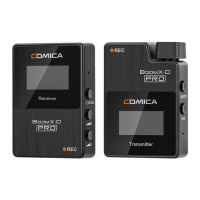
2.Function Introduction:
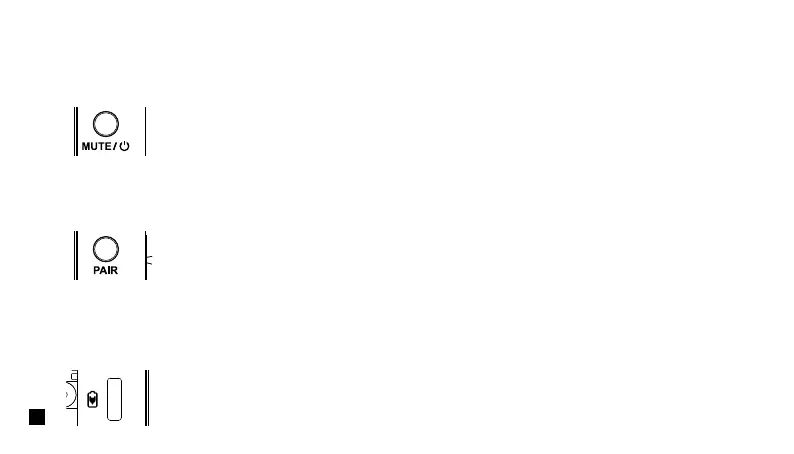
Long press for On/O; Shot press for muting switch( Muting switch is available only when the screen is on, if the screen is dimmed,
press any button to light up the screen then switch the mute).
2.1. Power/Muting Button
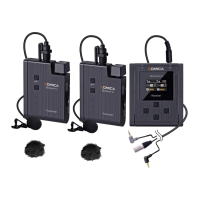
Long press for pairing with receiver (Pairing switch is available only when the screen is on, if the screen is dimmed, press any
button to light up the screen then pairing).
2.2. Pair Button
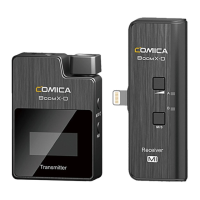
Connect the transmitter with the power through the USB A-USB C charging cable to charge.
2.3. USB-C Charging Port
14


 To Next Page