Need help?
Do you have a question about the Comica Vimo S-UC and is the answer not in the manual?
Lists key capabilities like recording quality, connectivity, and battery life.
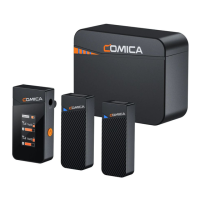
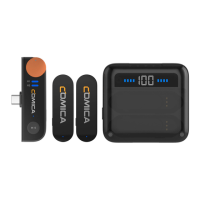
Details components like internal mic, indicator, clip, and buttons.
Details components like charging port, USB-C plug, volume knob, and indicators.
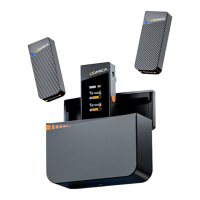
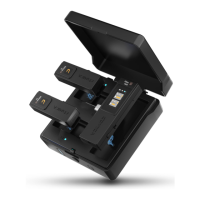
Explains USB-C port, battery indicator, charging wells, and power lights.
Describes how to pair the transmitter and receiver, with indicator light status.
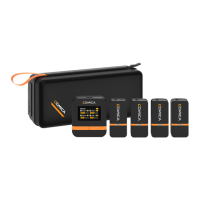
Instructions on how to take the transmitters and receiver out of the charging case.
Explains how to clip the transmitter onto clothing, pointing the mic towards the sound source.
Shows how to connect the receiver to smartphones and computers via USB-C.
Details methods for monitoring audio and charging devices simultaneously.
 General
| Battery Life | Up to 8 hours |
|---|---|
| Polar Pattern | Omnidirectional |
| Wireless Technology | 2.4GHz |
| Sampling Rate | 48kHz |
| S/N Ratio | ≥ 70dB |
| Charging Time | 2 hours |
| Type | Wireless Microphone |
| Connector | USB-C |
| Maximum Input Sound Pressure | 120dB SPL |

 To Next Page