USB Digital Output
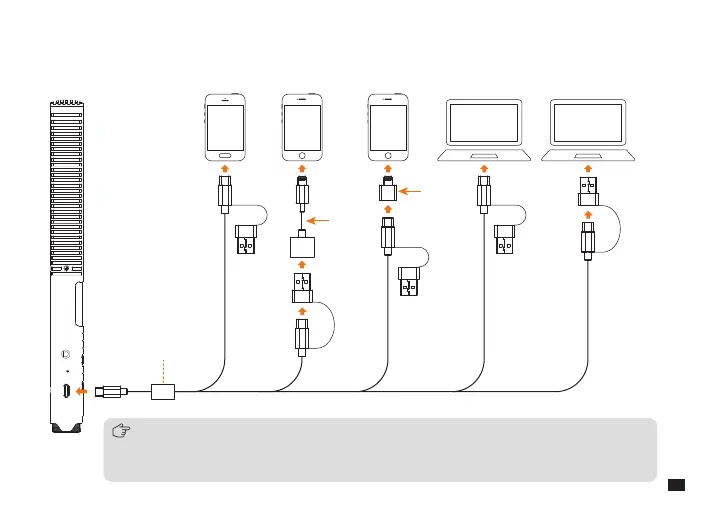
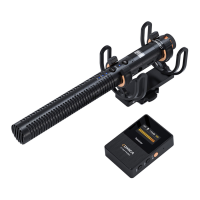
Connect the shotgun microphone to the smartphone or computer through the 2 in 1 charging & output cable and
related OTG audio adapter/cable(if needed)
1. It’s recommended to insert the USB end with the magnetic ring into the microphone and connect the
other end to the smartphone/computer
2. When using with Lightning interface devices, please prepare a USB-Lightning adapter/cable that
supports OTG function
Magnetic Ring
Adapter
Cable
Adapter
11


 To Next Page