12 of 29
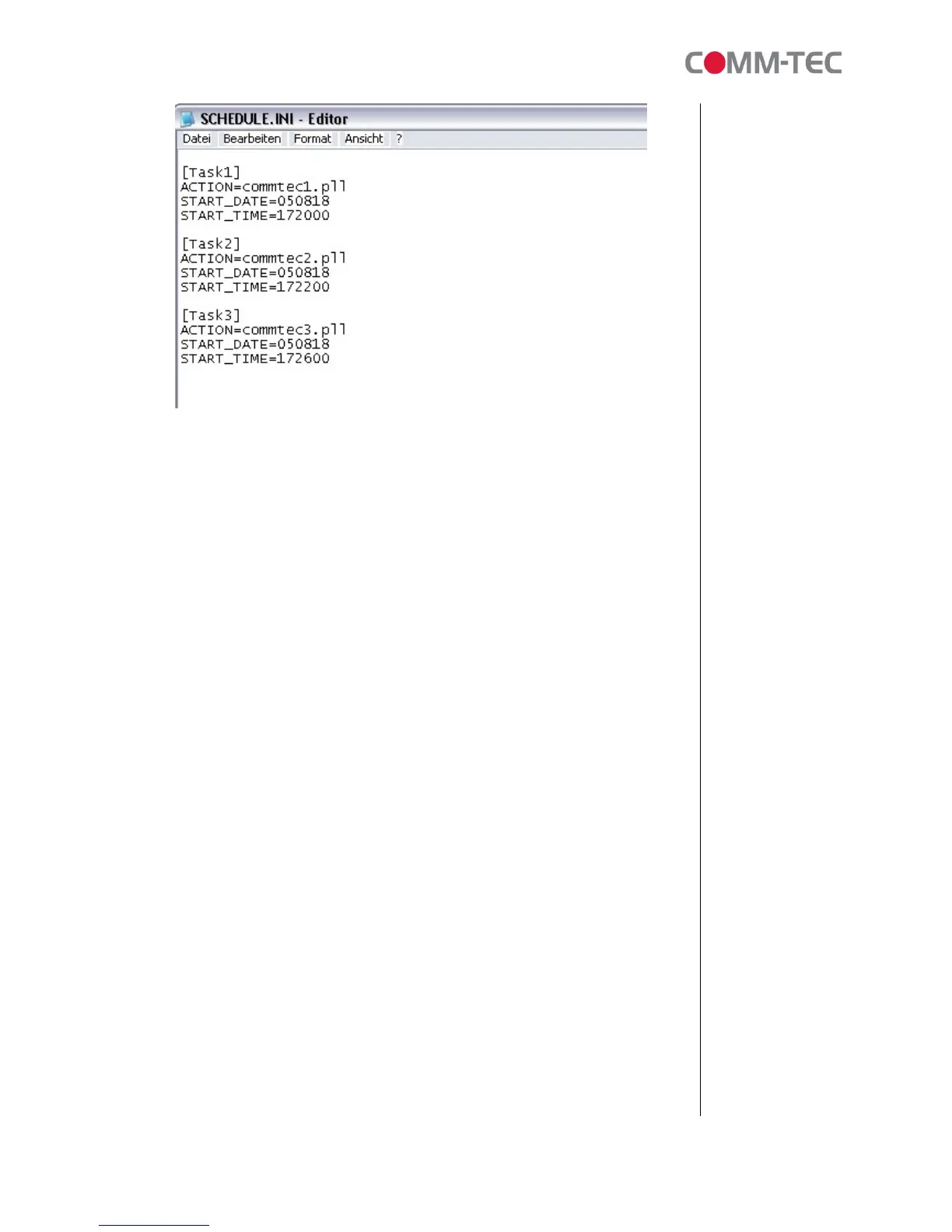
Note: The maximum number of schedule tasks you can defined is limited to 40.
Operating Functions
The following key buttons are default in “Simple Play mode”.
PLAY (Button 1)
• Resumes playback of videos from track 1 after STOP has been pressed.
• Resumes playback of the track from the point that it has been set to PAUSE.
• Playback is reset back to the beginning of the specific track which is being
played at the time the PLAY button is pressed.
STOP (Button 2)
• When STOP is pressed the video stops playing and a blank screen is displayed.
PAUSE (Button 3)
• When PAUSE is pressed the video image instantly freezes.
• Press Pause again or PLAY to resume normal playback from the position where
it was paused.
REPEAT (Button 4)
• When REPEAT is pressed the current track loop back on itself continuously.
• To disable the repeat mode press REPEAT, PLAY, PREVIOUS TRACK or
NEXT TRACK . When the track plays to the end it will playback the next track
(and etc.) as normal.
NEXT TRACK (Button 5)
• The NEXT TRACK function can be activated only when a track is already
playing. When NEXT TRACK is pressed the current video stops playing and
jumps directly to the start of the next track.
VOLUME DECREASE (Button 6)
• Decreases audio output volume setting.
VOLUME INCREASE (Button 7)



 To Next Page