9 of 29
4.3 System Setup
• Setup
To enter the setup of the ProPLAY, please press button 8 while you power on
the unit.
Use buttons 6 and 7 to change settings and button 8 to confirm and jump to the
next setup item.
Depending on the firmware version of the ProPLAY, the following settings can
be changed:
• VOLUME
The volume default when you power on the unit can be changed.
• YMD / HMS
The Year, Month and Day as well as Hour, Minute and Second of the
internal real time clock can be set up with this item.
• ID NO
Up to 10.000 ID’s can be allocated to different ProPLAYs to identify the
units.
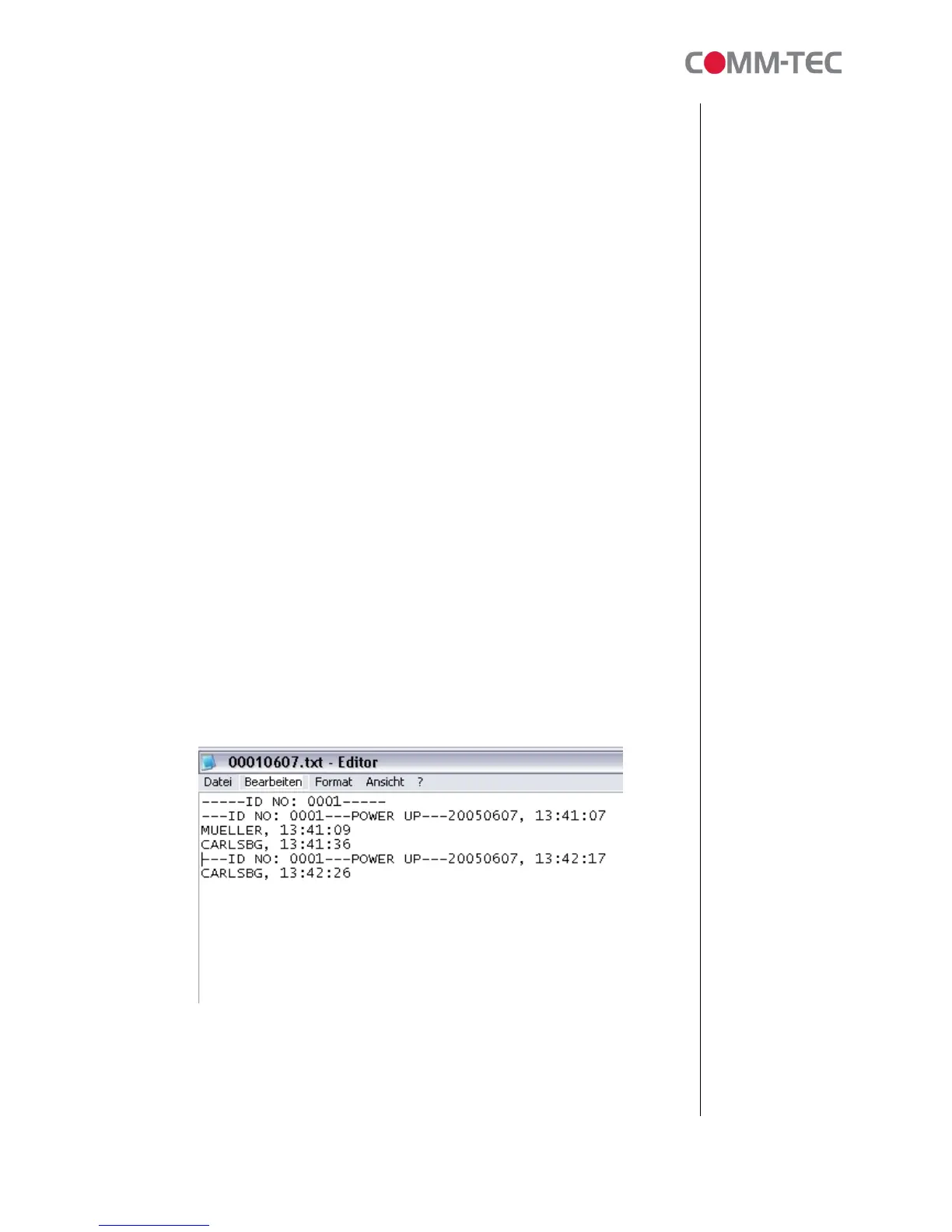
• DATA LOGGING
The ProPLAY is able to write a logfile onto the CF Card. ID number, date
and time as well as the played tracks will be reported as shown below.
The logging option can be switched on or off with this setting.
• OSD



 To Next Page