Note:
1.
After upgrading, the APO will reboot automatically.
2.
To avoid damage to device, please don't turn off the APO while upgrading.
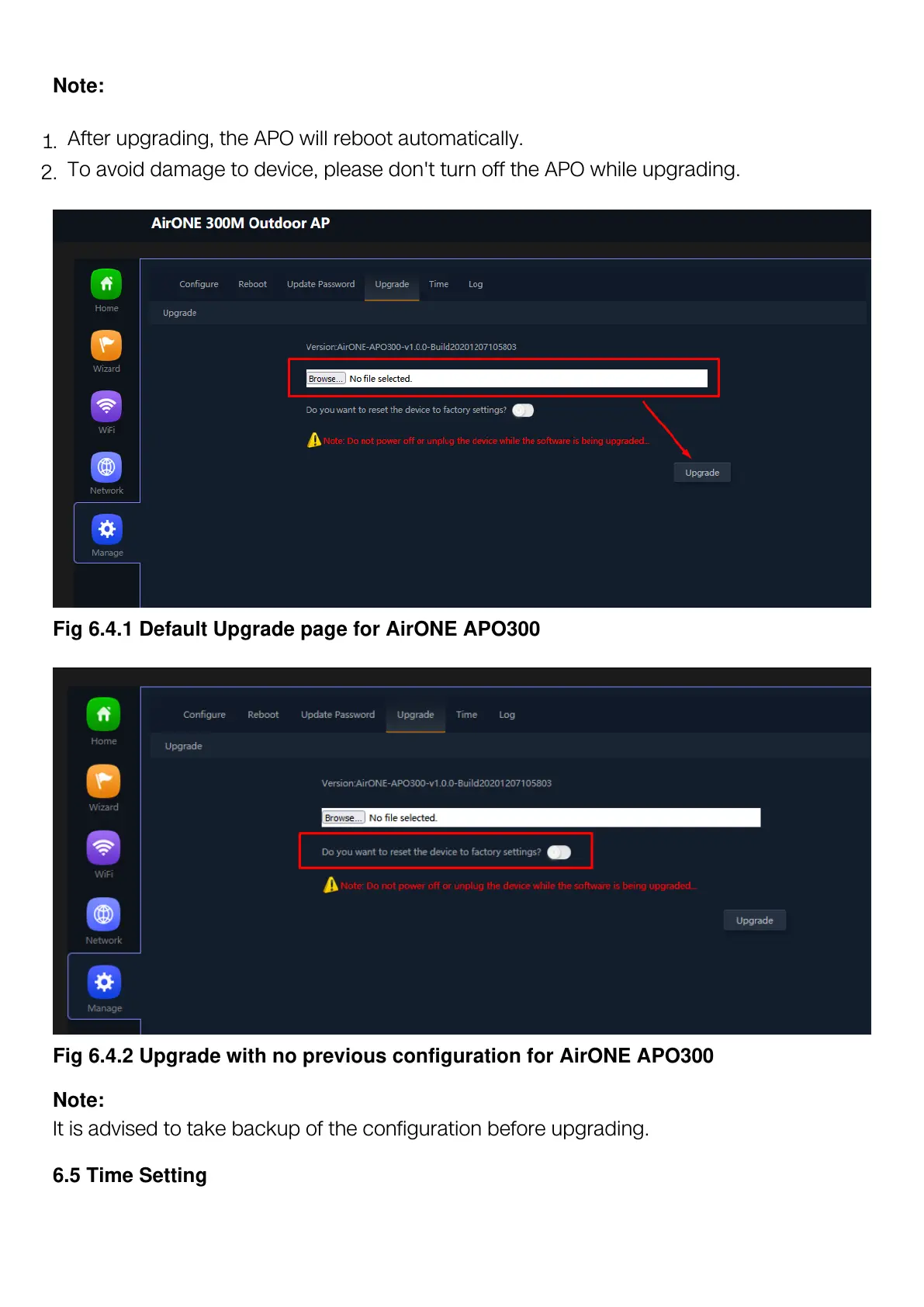
Fig 6.4.1 Default Upgrade page for AirONE APO300
Fig 6.4.2 Upgrade with no previous configuration for AirONE APO300
Note:
It is advised to take backup of the configuration before upgrading.
6.5 Time Setting



 To Next Page