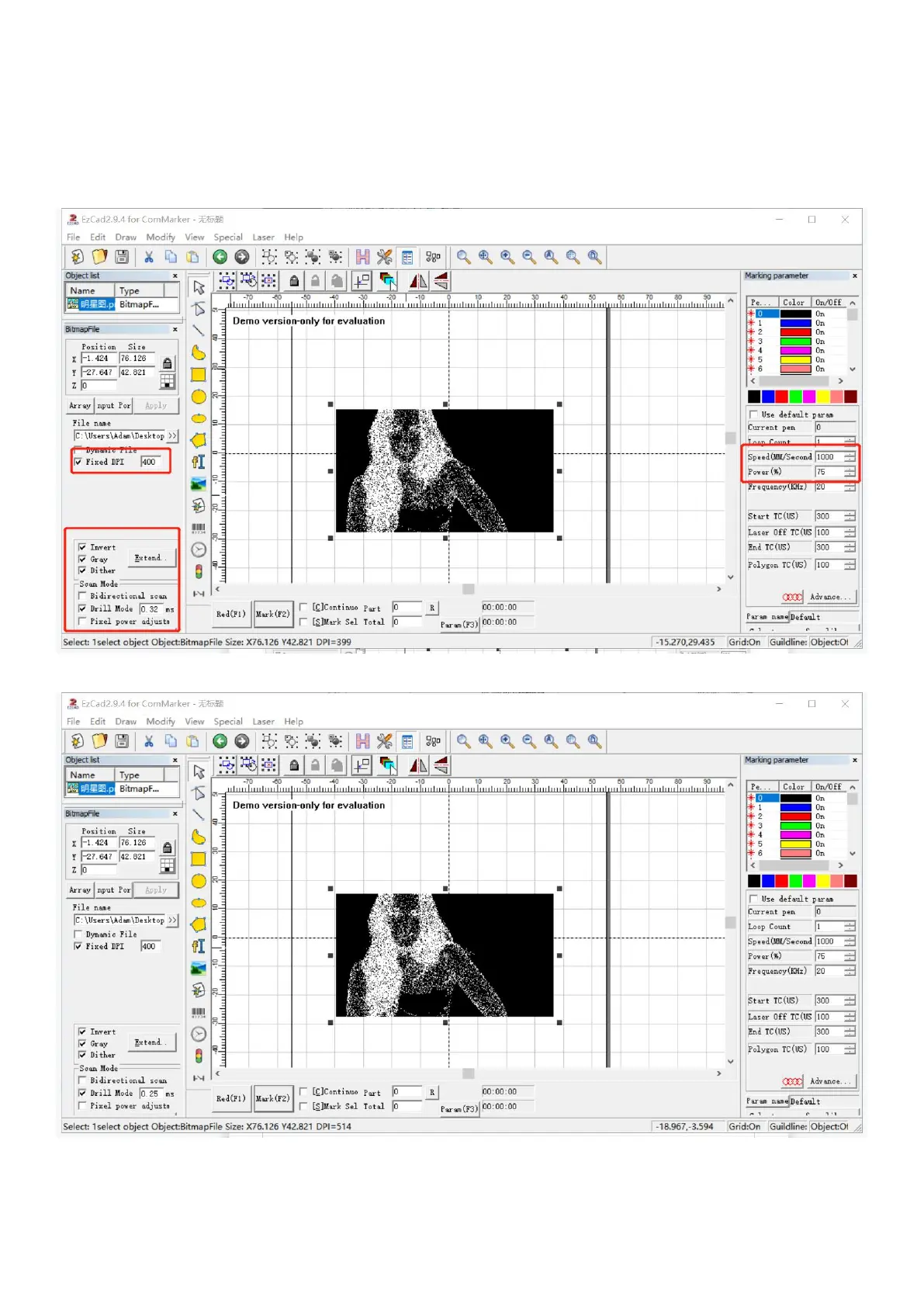
Parameters for marking a photo
Please open the software in the file “Software for engraving photos” before everything.
1. Input the parameters as below, which is forB4 20W with marking area 110x110mm on stainless steel.
Note: After importing the picture, you can fine-tune the contrast and brightness of the picture to make the picture
clearer, these parameters will affect the engraving effect.
2. The parameters are forB4 20W with marking area 110x110mm on painted metal.



 To Next Page