Auto Focus Setting (Optional)
Setting of auto focus software is optional because the machine was well set before sending out. The following
instruction is for your reference just in case something goes wrong with the machine
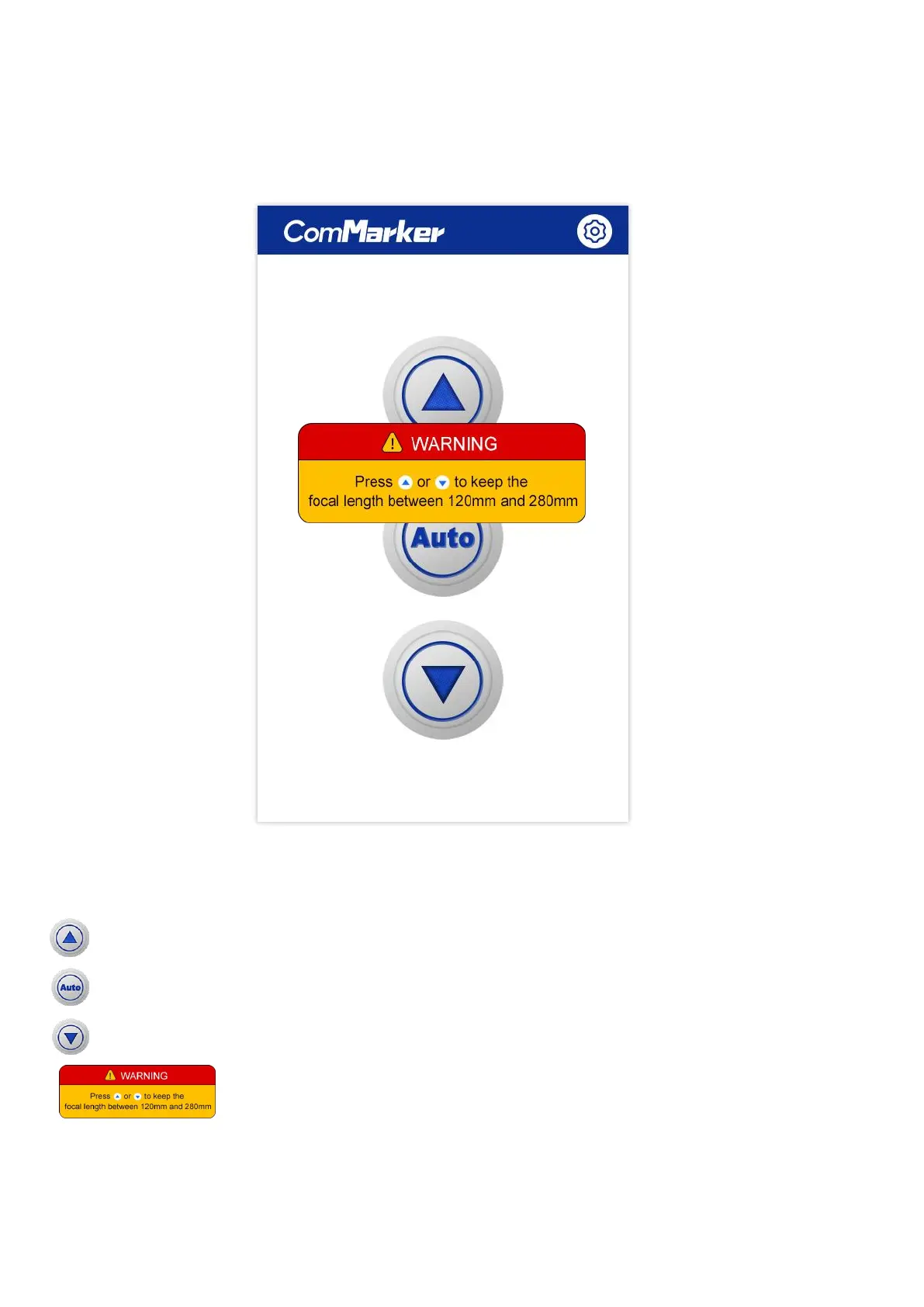
Controlling Page
Lift up: the laser head will go up when pressing the button
Auto focus: the laser head will move the right focal length according to the original setting
Lift down: the laser head will go down when pressing the button
WARNING: The sensor in the machine only works in the range of 120mm to 280mm; this warning will pop up while it is
out of the range. Please lift up or down manually to adjust the focus distance in between 120mm and 280mm.



 To Next Page