18
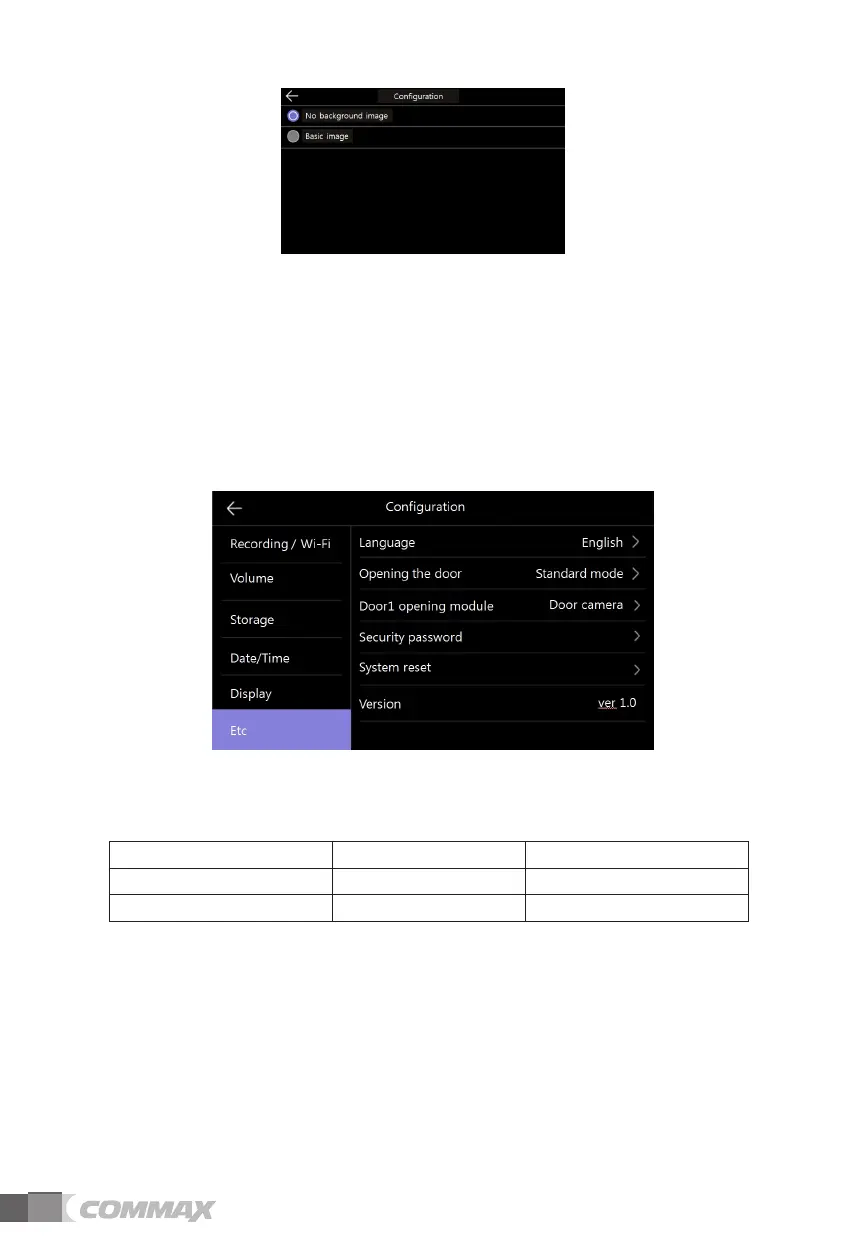
-No background image : The selected screen is displayed without background images.
-Basic image : The background is set randomly among the images stored
in the internal memory.
3) Display panel cleaning mode
- When selecting ‘Cleaning mode’, the touch screen is deactivated for 30 seconds.
(You cannot stop this function until it is finished.)
4) Display
- Set the brightness of the menu screen.
⑥ Etc
1) Language
- To select the languages.(8 languages.)
2) Opening the door
- To set up door-opening method.
Standard: To open the door during/after the calling.
Fast: To open the door before the calling.
(You do not need to make a call connection to open the door)
한국어
'PINKUJ ǍǐǎǎLJDždž
GURCwQN
丏⇢₼㠖
,ğ\[MRQNUMK
6TMnG
ČGʼnVKPC



 To Next Page