11
Check recorded video or still images of visitors.Checking Visitor
Setup functions.Menu Settings
Call or monitor the Door Camera_1. Camera_1
Call or monitor the Door Camera_2. Camera_2
Monitor CCTV Camera_1 view. CCTV_1
Monitor CCTV Camera_2 view. CCTV_2
To call the sub-interphone. Interphone
Icon Description Function
Icons and description
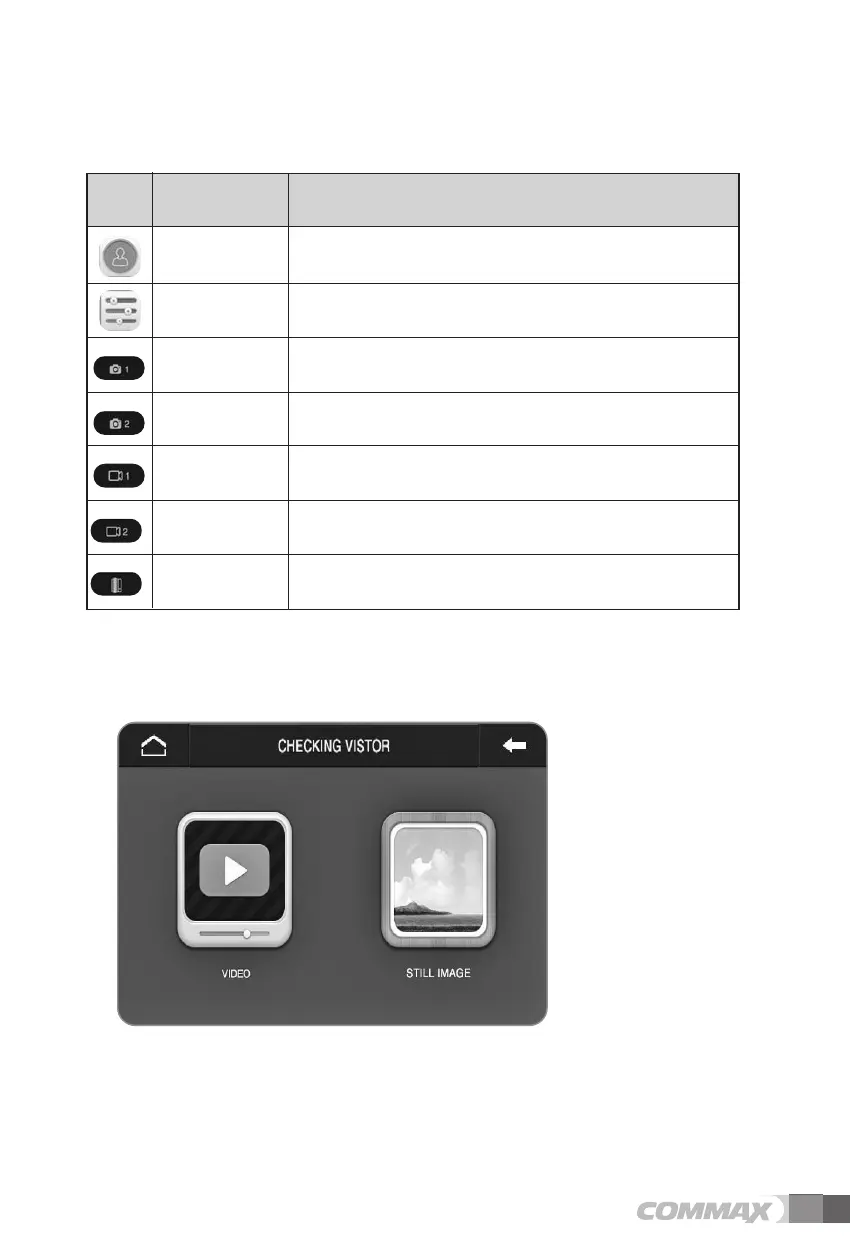
(3) Checking Visitor
Select video or still image.



 To Next Page