13
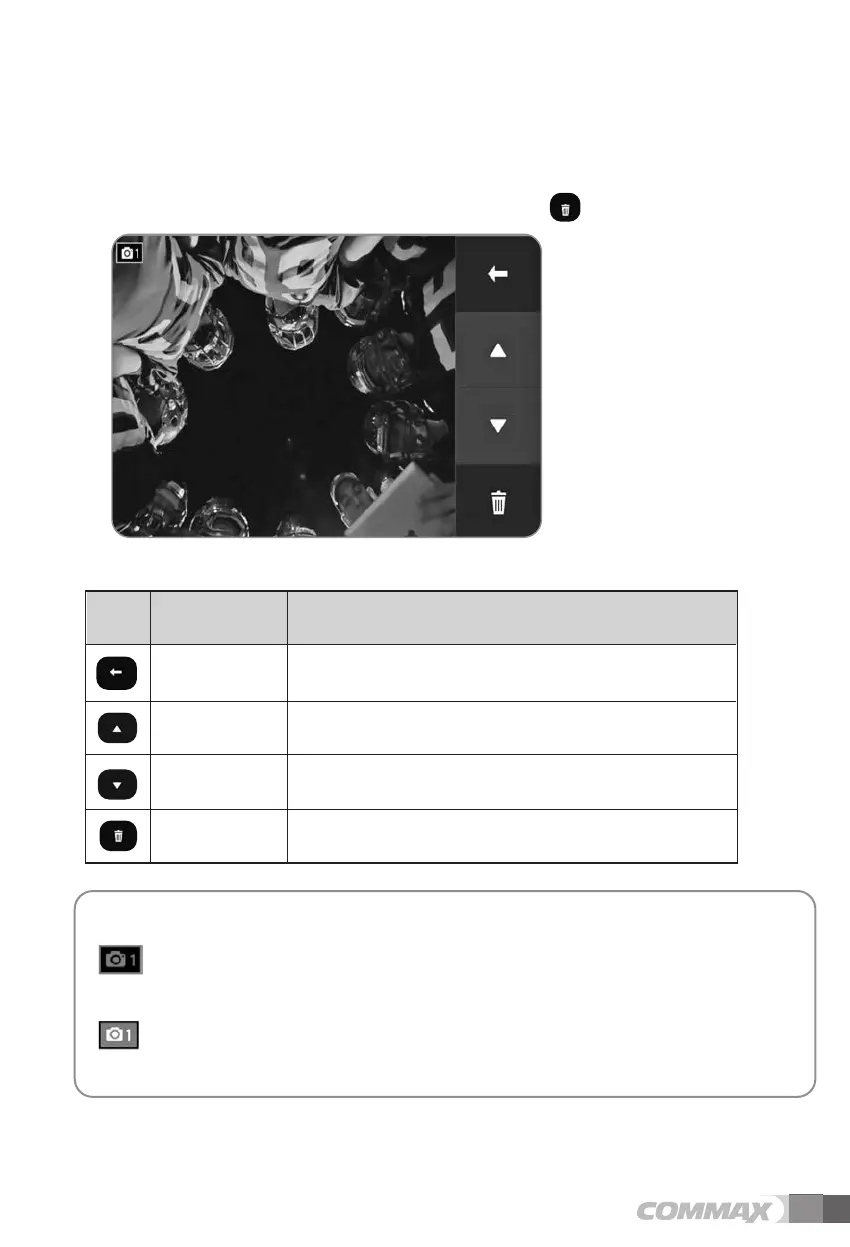
(4) Check video
As a single video is selected from the 4 split screen, the screen turns to full screen to
playback the selected video. To delete the video, touch icon.
Move to previous menu or screen.Prev
Move to previous page. UP
Move to next page. DOWN
Delete the selected video. Delete
Icon Description Function
Icons and description
: In the usual way (if you have auto or manual recording of one / call
monitoring) Displayed when the video was recorded I-CON.
: When the video was recorded by a motion detection is displayed I-CON.
When playing audio will not play.
[Display I-CON Description]



 To Next Page