4
5
&1$0)/2).-
:
/&"*&0
; )1/+"7
< &-*&7
= 0).0)27"++
>
?
@ .+3,&.-20.+)"+
A "++.3-% .+3,&.-20.+)"+
B
&1$0)/2).-
:
/&"*&0
; 0)4"$7322.-
< 322.-
=
"021",&
4-1 C
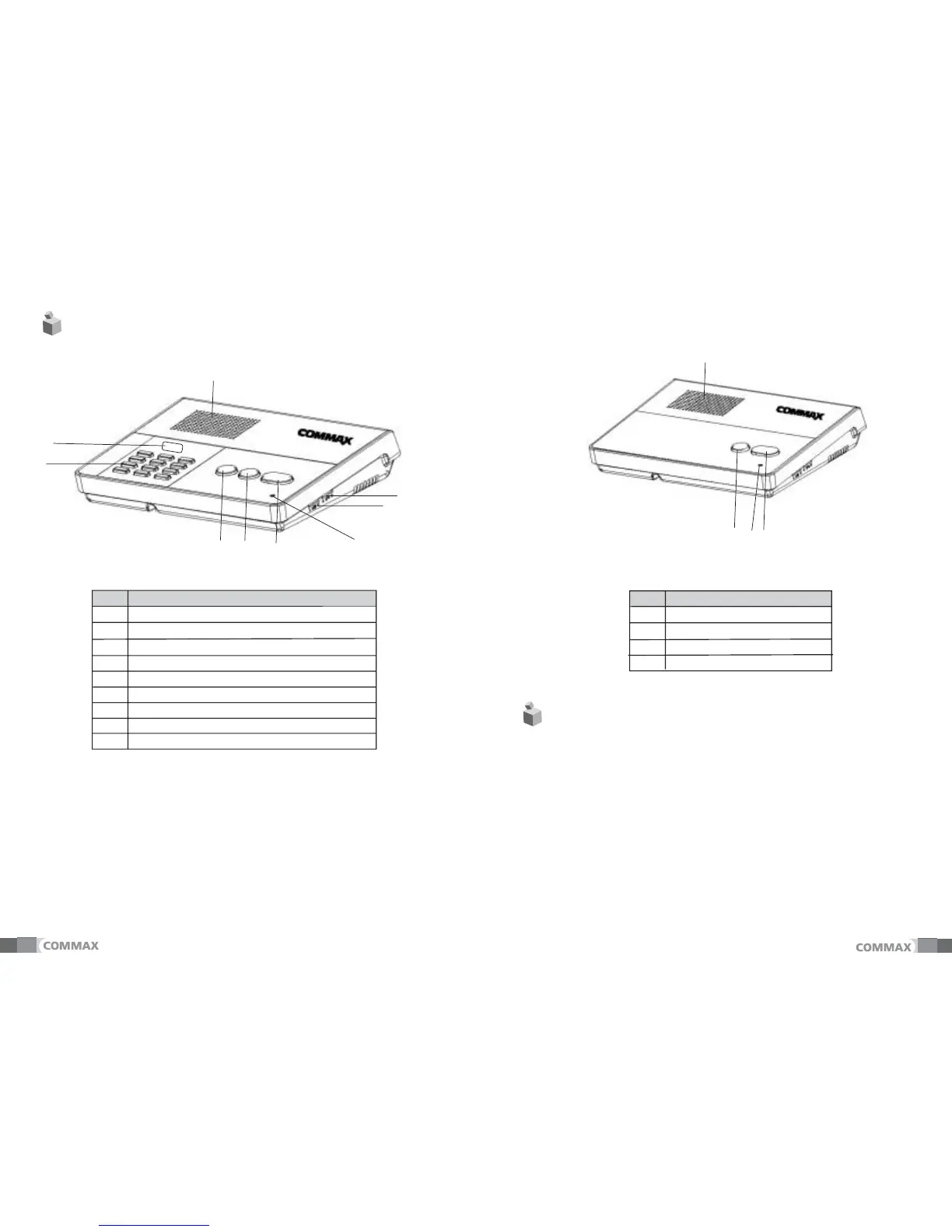
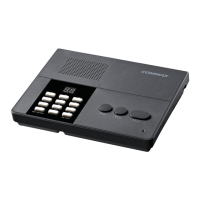
1) Press the desired number of CM-800S to talk and then “#”button.
The “beep”ound is heard.
Ex) paging first CM-800S: “1 + # (beep)”
- Wrong number makes “Error”sound. (It″available from 1 to 10)
- Pressing “*”button to conceal the registration of wrong number.
2) After the communication line is opened, pressing the “all”button
to make a ring.
Ex) Paging first CM-800S: “1 + # (beep)”+ “all”button.
- During keep pressing “all”button only, there is a ring.
- Volume Control Dial: it is to adjust the voice level from CM-800S.
- Ring Sound Volume Control Dial.: it is to adjust the ring sound
level from CM-800S.
This product is open voice type.
Pressing "Talk" button will start communication and then pressing
"Talk" again will end it.
"02",&1


 To Next Page