6
7
1) When you receive a call from other unit during talk, other unit’s
number is displayed.
Press “#”button twice if you want to talk with other unit.
Ex) when you receive a call from No.2 unit during talking with No.1,
No.2 is displayed. Press “#”to end the talk with No.1 unit and
start to talk with No.2 unit.
*
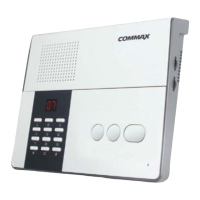
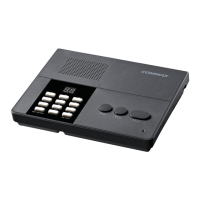
1) It is to use to make a public notice from CM-810 to CM-800S.
Ex) Press“0”and then “#”to open all the lines of CM-800S.
*
1) Choice of the ring type out of two.
2) Setup Ring-time duration
- It is available to set ring-time when CM-810 receives a call from
CM- 800S (from 1 to 20 Seconds).
3) Setup Method. (Ring type and ring-time duration).
- Setup mode : Hold “*”button for 2 seconds and release it in
standby mode
Setup ring type out of two.
“SD”sign and the number of unit in use blink in turn on the display
when set-up mode is in.
- Select 1 or 2 from Ten Key and then “#”to move on to ring- duration
setup mode with saving.
- Press “*”button to move on to ring duration setup mode without
saving.
Setup ring-duration
- It is to setup the time of ring-duration of CM-810.
- “tE”sign and the number of CM-800S in use blinks in turn on the
display.
- It is available to setup duration time from 1 to 20 seconds using ten- key.
- Press “#”button after enter the time.
- And then it becomes standby mode automatically.
- Press “*”button to be out without saving.
※ Wrong registration makes “beep“ sound.
4
1) Pressing the call button makes ring.
2) You can talk with CM-810 without any operation of CM-800S.
3) Pressing “privacy”button to stop delivering the voice from CM-800S
to CM-810.
CM-810 connecting terminal in rear side.
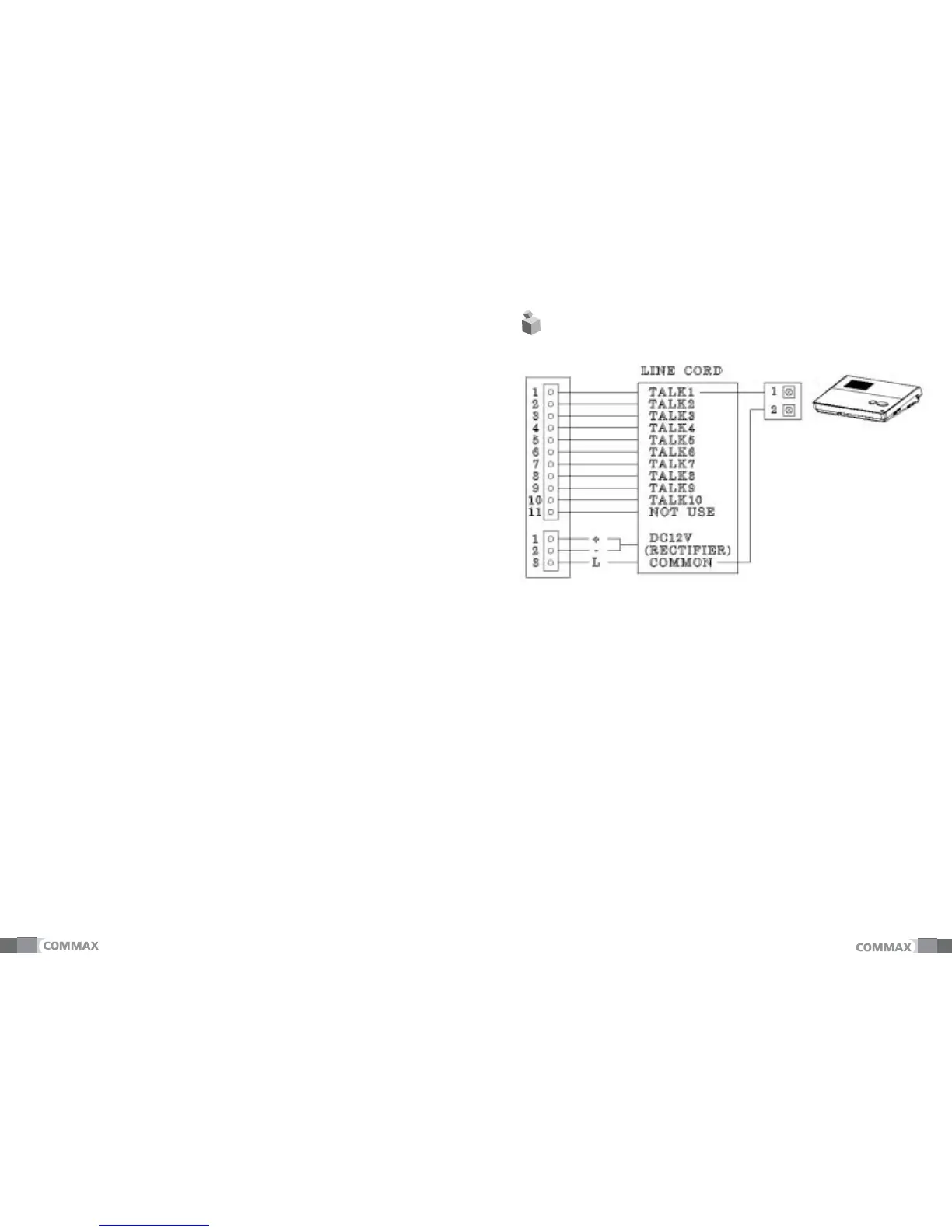
5-1 Wiring.
- “Line Cord“ is used for wiring of CM-810.
1) 11P terminal : connect to LINE CORD 11P CONNECTOR.
2) 3P terminal : connect to LINE CORD 3P CONNECTOR.
4) Power : Power source, DC 12V is connected with LINE CORD.
5) CM-800S : connect to LINE CORD with 2 wires.(Max. of 300m)
*


 To Next Page