EasyManua.ls Logo

Commax DRC-2AB1(B&W) - User Manual

Commax DRC-2AB1(B&W)
18 pages
Print Icon
To Next Page IconTo Next Page
Loading...
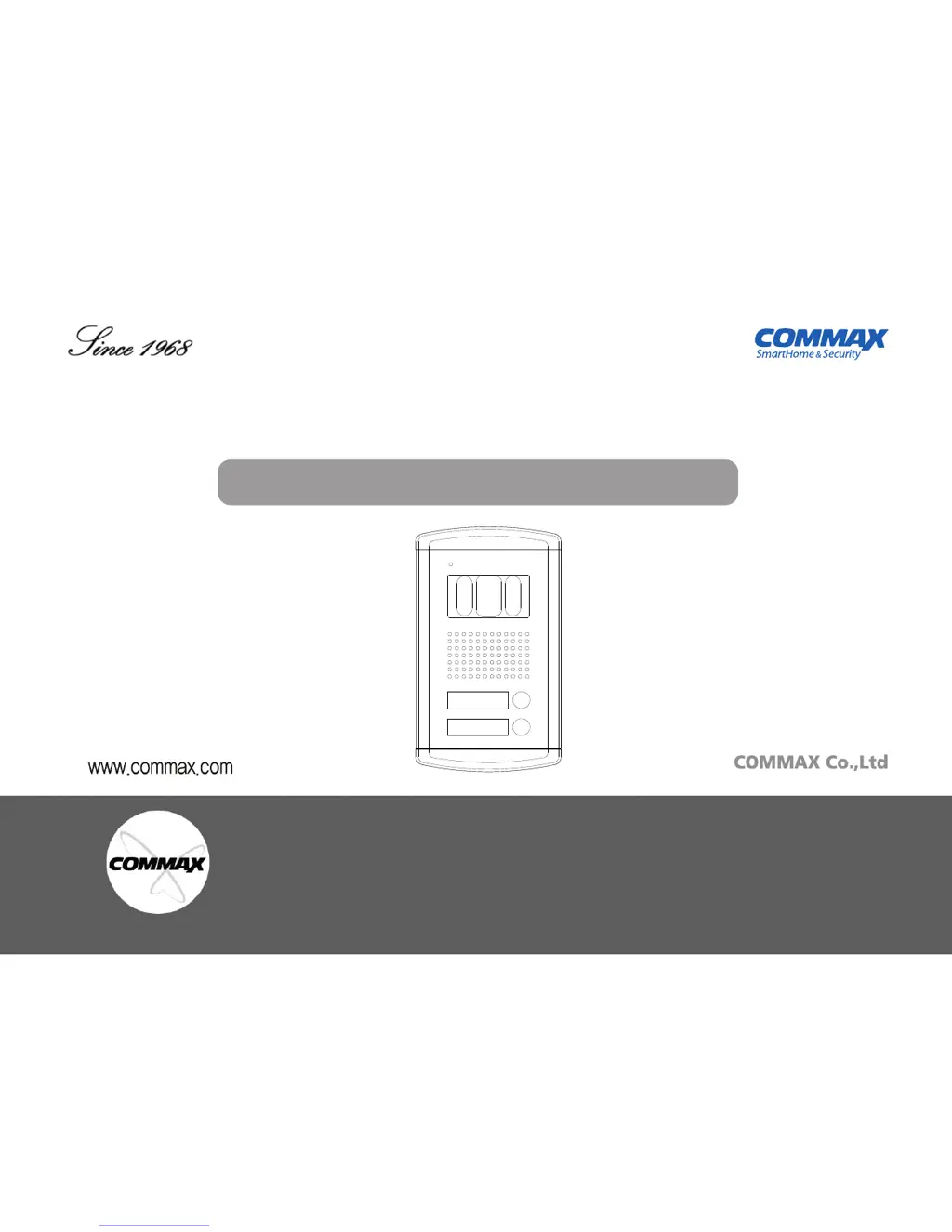
OUT DOOR CAMERA DRC-2AB1(B&W)/DRC-2AC1(COLOR)
User Manual
Thank you for purchasing COMMAX products.
Please carefully read this User’s Guide (in particular, precautions for safety) before using a product and follow
instructions to use a product exactly.
The company is not responsible for any safety accidents caused by abnormal operation of the product.

Questions and Answers

  • R
    Rose RyanAug 10, 2025
    Why does my Commax DRC-2AB1(B&W) Security Camera have unnatural colors?
    • A
      Amanda JonesAug 10, 2025
      If your Commax Security Camera displays unnatural colors, ensure the connector is at the correct level. Check the connections between the system, polarizer, and relay. Verify that CONT, BRT, and COLOR settings are properly adjusted to match your preferences and the environment. Also, check the settings on your monitor or other connected displays.
  • R
    Richard WashingtonAug 26, 2025
    What to do if my Commax DRC-2AB1(B&W) Security Camera shows no image?
    • J
      jwalkerAug 26, 2025
      If your Commax Security Camera is not displaying an image, first, make sure the system unit is plugged in. Next, ensure that the desired settings are adjusted properly. Finally, verify that the system cable connections are correct.

Commax DRC-2AB1(B&W) Specifications

General IconGeneral
Power SupplyDC 12V
DisplayB&W
CameraBlack & White
Image Sensor1/3" B&W CCD
Power Source12V

Related product manuals