11
●
Set up
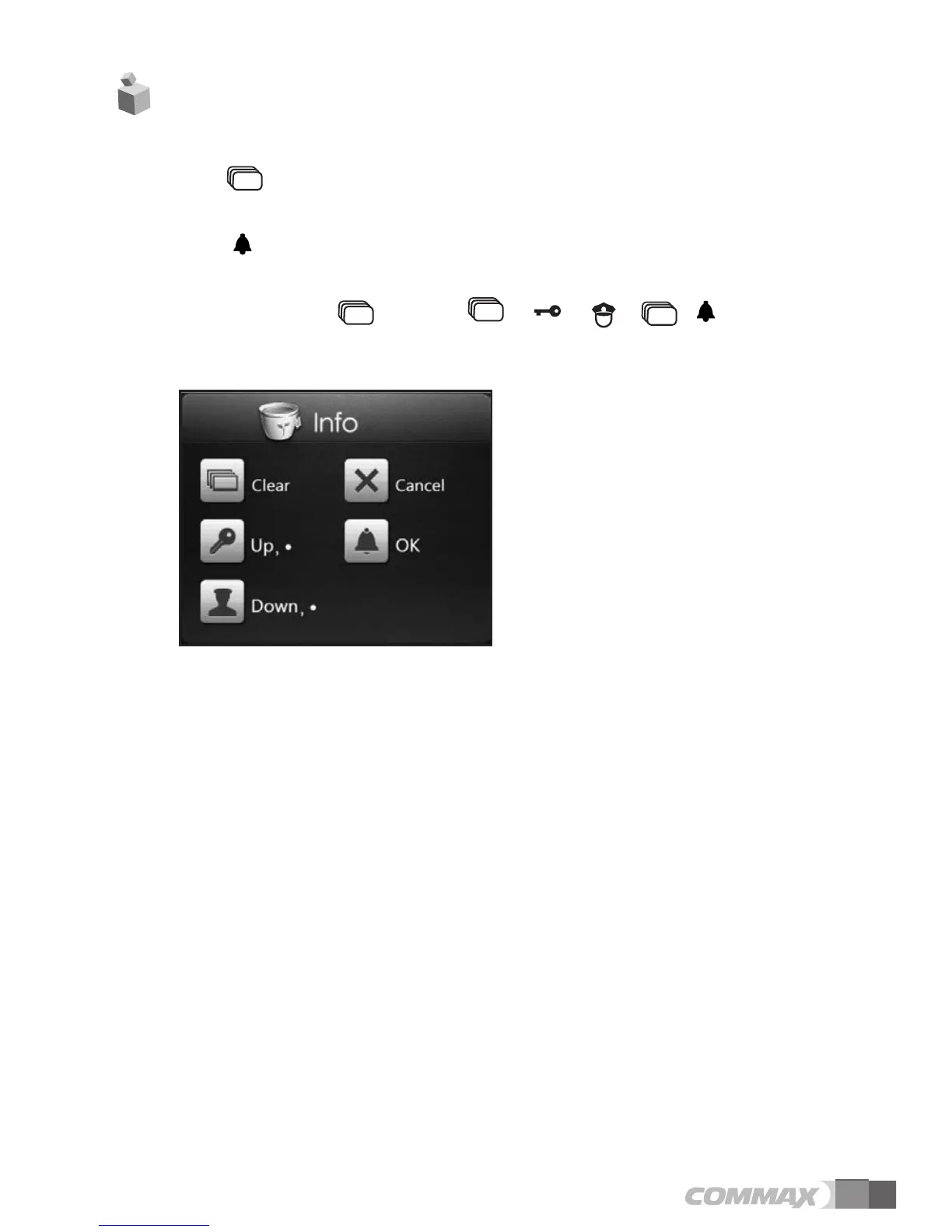
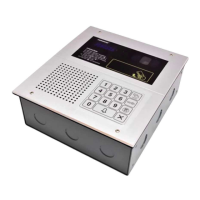
1. Push button.
2. Input PIN number.
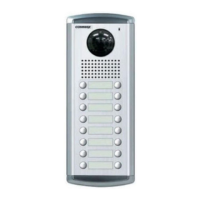
3. Push (call) button.
We recommend user change initial password (0000) then use products for security.
Initialize password : + “0000”+ + + + +
●
●
Set up menu
0 : Set Network+
0 : IP address: (Input IP address)
1 : G/W address (Input Gateway address)
2 : DNS address (Input DNS address)
3 : Net mask (Input network mask)
1 : Set VoIP+
0 : SIP Server (Input SIP server address)
1 : Guard ID (Input Security Guard Post)
“●”is DOT (.) for IP address typing.
●
button map
7. Set up


 To Next Page