4.
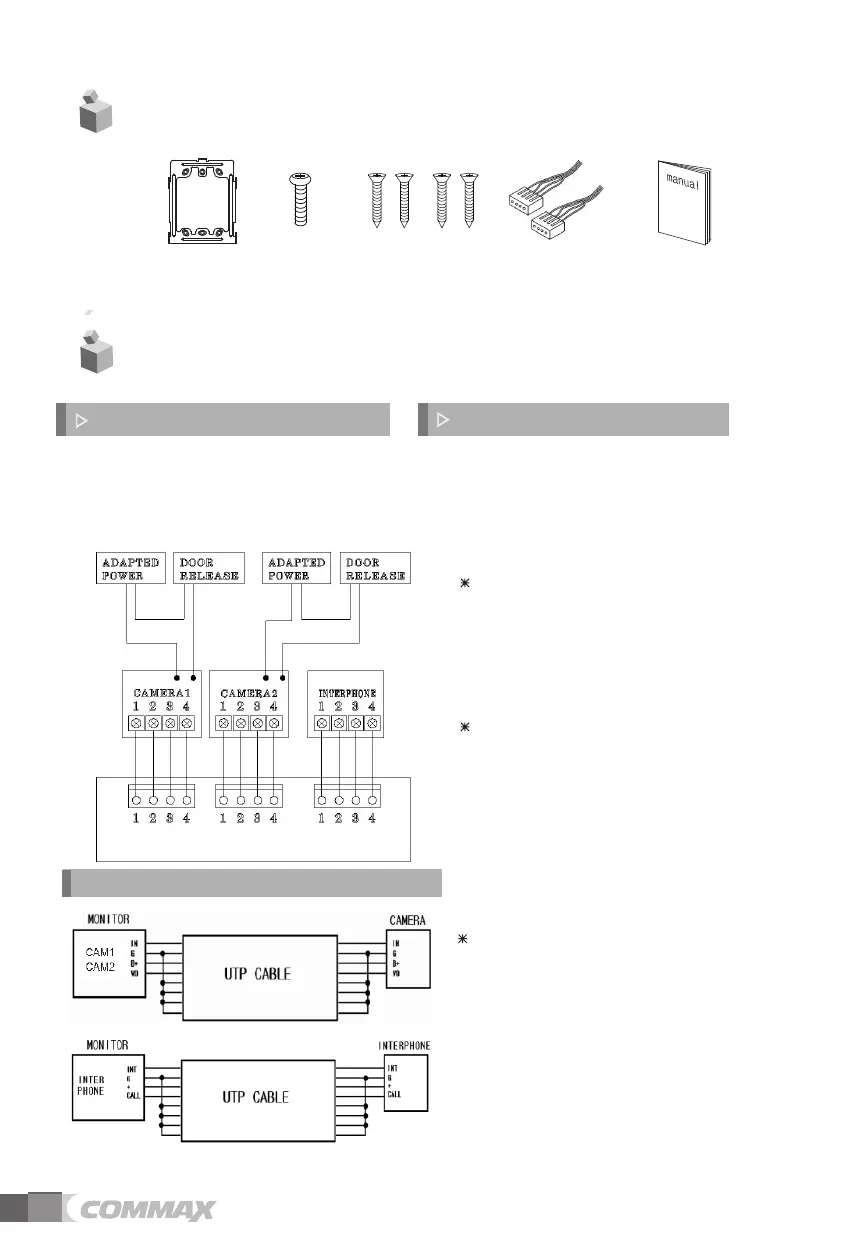
Wiring and Connection Instructions
User Manual (1EA)
Connector (2EA)
Wall bracket mounting
screw
(4EA)
Monitor fixing
screw (1EA)
Wall bracket
for monitor
(1EA)
3.
Package Contents
4
1. Red: Talk (Audio)
2. Blue: GND
3. Yellow: Power (+12V)
4. White: Video
▷
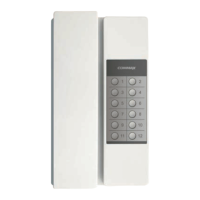
Polarity of the camera connector
1. Red: Talk (Audio)
2. Blue: GND
3. Yellow: Power (+14V)
4. White: Call signal
▷
Polarity of interphone connector
Each device should be connected by
separated cables.
If you use UTP CABLE[CAT.5] for
CAMERA1and CAMERA2, 2 lines of
UTP cable are required.
If you use UTP CABLE[CAT.5], connect
4 lines between monitor and interphone.
the rest 4 lines to GND after connecting
If you use UTP CABLE[CAT.5], connect
the rest 4 lines to GND after connecting
4 lines between monitor and interphone.
DOOR CAMERA & INTERPHONE Wiring


 To Next Page