6.
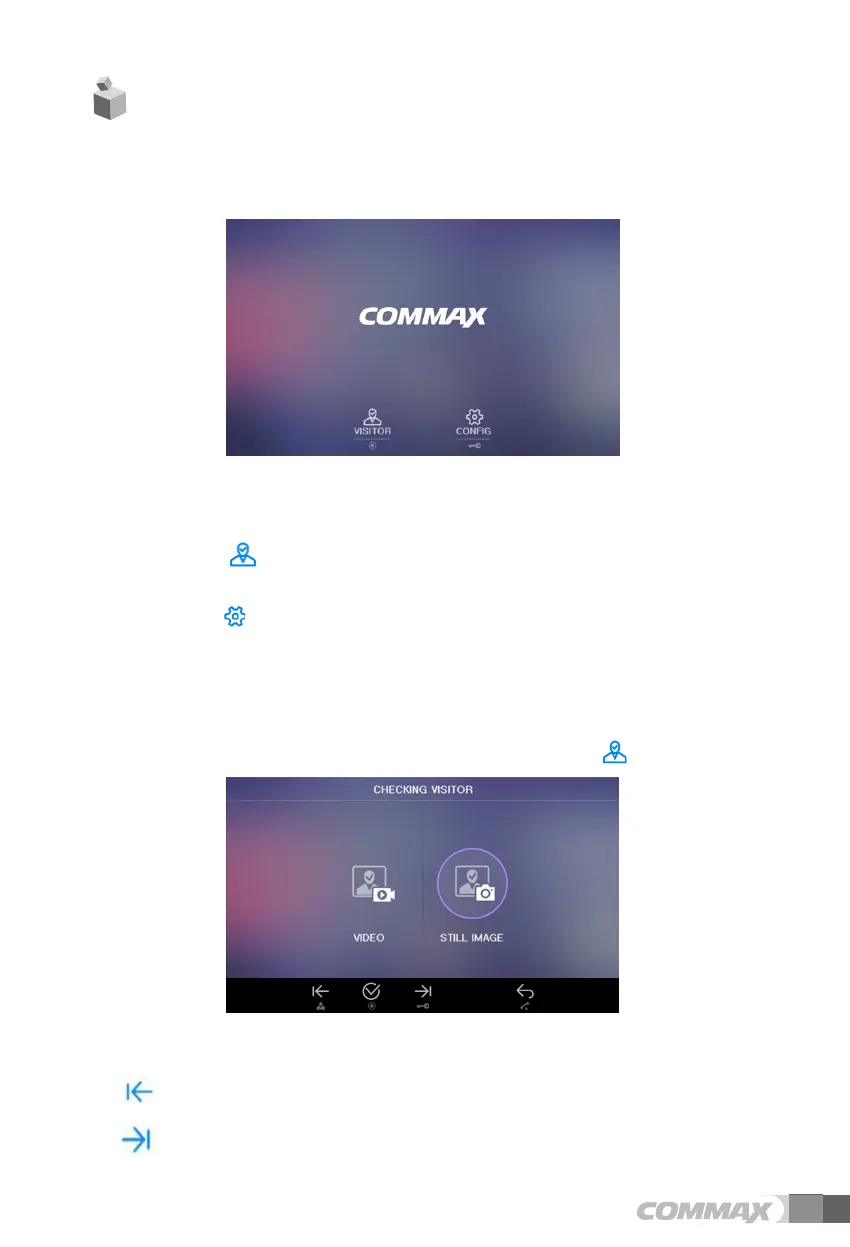
Start Menu
6
4.
GUI Description
3 ..
(stand-by mode) Operation
- By pressing the Monitor button repeatedly, the monitor will work as following in order.
Camera 1 ( Camera 2 ) OFF Camera 1 ............
(On talking mode)Operation
- By pressing Monitor button repeatedly, the monitor will work as following in order.
Camera1 ( Camera 2 ) Camera 1 ( Camera 2 ) ............
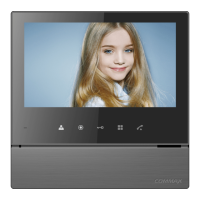
Monitoring : function to see the image of visitor in the entrance.
: User can start Main Menu by touching Menu button from Standby mode in LCD
monitor.
: Main Menu consists of two features, first 'VISITOR' and second ‘CONFIG’
User can finish Main Menu by touching Talk button and LCD monotor will go back to
Standby mode.
(1) ‘VISITOR’
User can execute ‘VISITOR’ Menu by touching Interphone button
(2)’CONFIG’
User can execute ‘CONFIG’Menu by touching Menu button
( User can go back to Stanby mode by touching Talk button. )
6-1. CHECKING VISITOR
User can see below image in LCD monitor by selecting the icon
.
(1) Icon description
: Move(Monitoring button) – Move to left
: Move (Door open button) - Move to right
6 7


 To Next Page