EasyManua.ls Logo

Commercial Electric 54569141 - User Manual

Commercial Electric 54569141
16 pages
Print Icon
To Next Page IconTo Next Page
Loading...
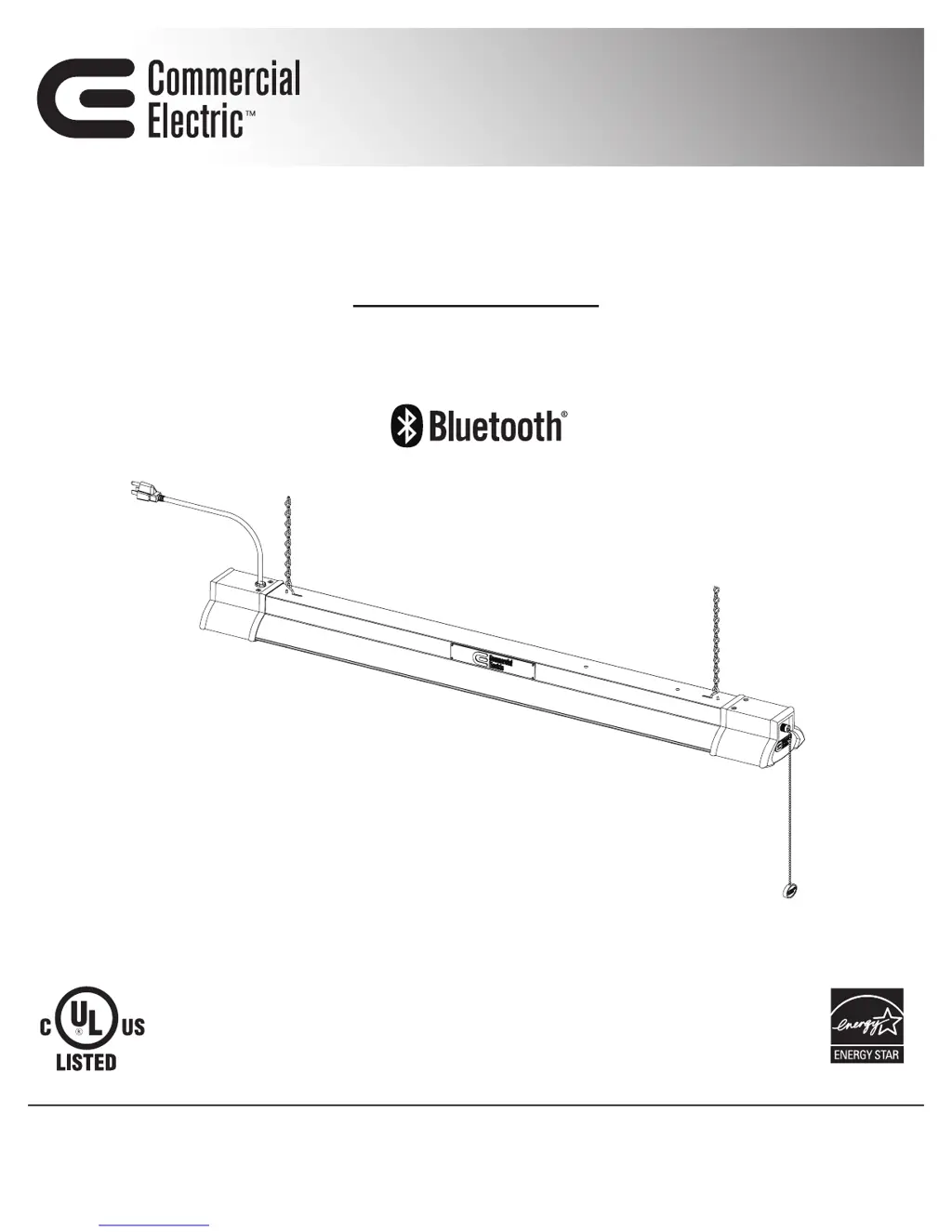
USE AND CARE GUIDE
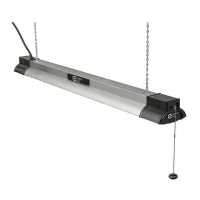
40 IN. LED SHOP LIGHT WITH BLUETOOTH
®
SPEAKERS
Questions, problems, missing parts? Before returning to the store,
call Commercial Electric Customer Service
8 a.m. – 7 p.m., EST, Monday - Friday
9 a.m. - 6 p.m., EST, Saturday
1-877-527-0313
HOMEDEPOT.COM
THANK YOU
We appreciate the trust and confidence you have placed in Commercial Electric through the purchase of this LED Light. We strive to continually
create quality products designed to enhance your home. Visit us online to see our full line of products available for your home improvement
needs. Thank you for choosing Commercial Electric!
Item # 1001833893
Model # 54569141

Questions and Answers

  • M
    Mr. Cory Nelson Jr.Aug 3, 2025
    How to fix a Commercial Electric 54569141 Work Light that won't turn on?
    • T
      Timothy WilcoxAug 3, 2025
      If your Commercial Electric Work Light won't light, first ensure the power supply is on and the circuit breaker is in the on position. Check the wire connections to ensure they are properly made. If the problem persists, it could be a defective switch, in which case you should contact a qualified electrician.
  • J
    Juan WeberAug 11, 2025
    Why won't my Bluetooth device pair with my Commercial Electric 54569141?
    • B
      Brandon LarsonAug 11, 2025
      If the Bluetooth speakers on your Commercial Electric Work Light won't pair with your smart device, make sure that the Bluetooth function is turned on within the device settings and that a Bluetooth symbol is visible on the device screen. Also, ensure the shop light is within 33 ft. (10 m) of the smart device. Turn on 'Discoverable' mode on the device. If it still doesn’t work, power both devices off and back on, delete the shop light from the smart device and rediscover it, and move away from Wi-Fi routers or computers that could be causing interference. Make sure the shop light is plugged into a working electrical outlet and that the circuit breaker is in the on position.
  • M
    Maria SchultzAug 18, 2025
    What to do if Commercial Electric 54569141 blows a fuse?
    • S
      Sandra NashAug 18, 2025
      If the fuse blows or the circuit breaker trips when you turn on your Commercial Electric Work Light, the wires may be crossed, or the power wire is grounding out. Check the wire connections. If the issue continues, contact a qualified electrician or call Commercial Electric customer service at 1-877-527-0313.
  • B
    Barbara SmithAug 25, 2025
    Why is there no sound from my Commercial Electric 54569141 speakers?
    • A
      Anna CruzAug 26, 2025
      If you experience no sound or poor sound quality from the speakers of your Commercial Electric Work Light, first, turn music on from the smart device and turn the volume up. Ensure the Bluetooth function is turned on within the device settings. Move the device closer to the shop light/speakers. Power both the device and the shop light off and back on. Re-pair the device and the shop light speakers. Power off other Bluetooth devices within a 33 ft. proximity range, because only one device can be connected to the shop light/speakers at a time.

Summary

Safety Precautions

Product Warranty

Pre-Installation Guide

Planning Installation

Details on planning the installation process.

Tools Required

List of tools needed for installation.

Package Contents

List of items included in the package.

Hardware Included

List of hardware components provided.

Installation Steps

Mounting to Drywall

Instructions for mounting the fixture to drywall.

Mounting to Wood

Instructions for mounting the fixture to wood.

Attaching Light to Chain

Steps to attach the light fixture to the hanging chain.

Attaching Chain to Ceiling

Steps to hang the fixture using the chain and ceiling hooks.

Installation and Bluetooth Setup

Plugging into Power Supply

Instructions for connecting the light fixture to a power source.

Bluetooth Device Connection

Guide to pairing the shop light with smart devices via Bluetooth.

Troubleshooting Common Issues

Care and Cleaning Instructions

Commercial Electric 54569141 Specifications

General IconGeneral
BrandCommercial Electric
Model Number54569141
Product TypeWork Light
Light SourceLED
Color Temperature5000K
Voltage120V
Cord Length5 ft
DimmableNo

Related product manuals