2. Start Firmware Upgrade
2.1 Double-click the downloaded file Update_ENF-E1v02(M).dmg
Note: Till so far you haven’t connected the camera to computer
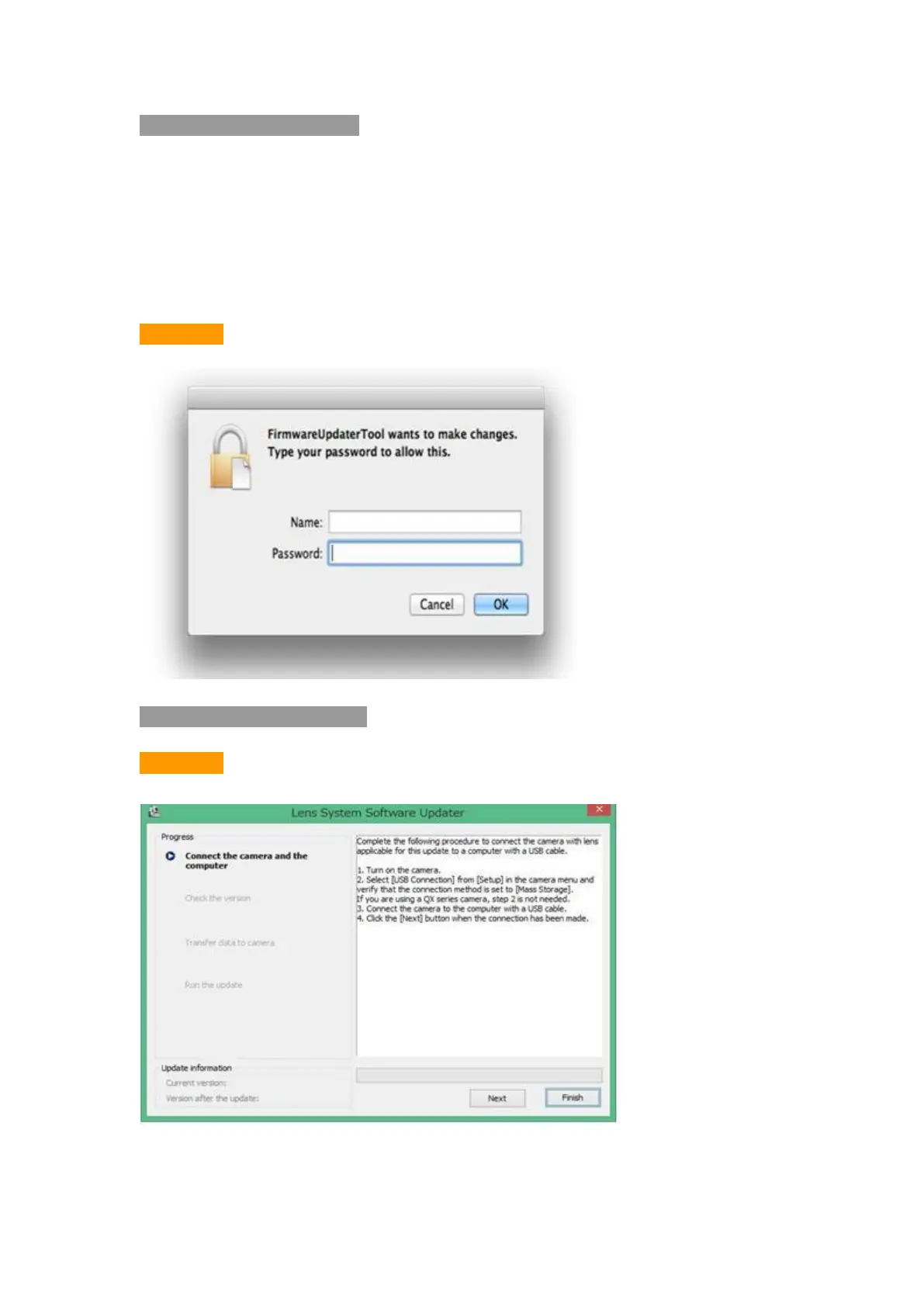
2.2 While in loading the kernel extension, the computer will show and remind
to enter into password and allow you to modify the application routines
Picture 1
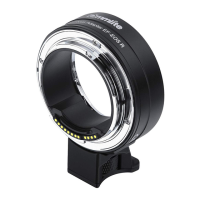
3. Start Upgrade (Picture 2)
Picture 2



 To Next Page