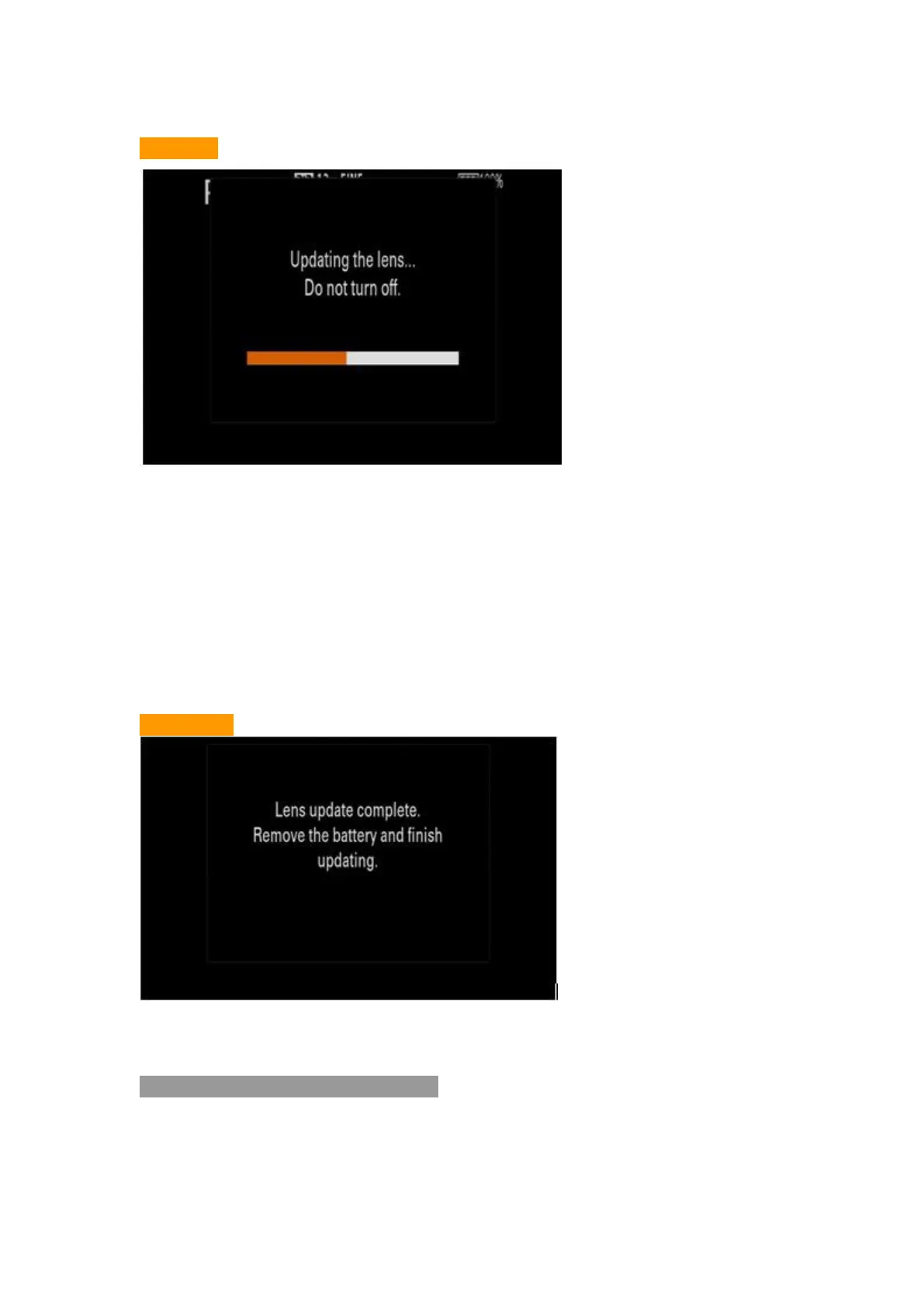
6.3 Start to upgrade the program (About 30s)
Picture 9
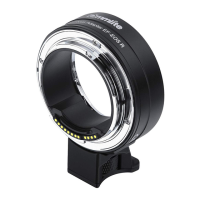
6.4 Upgrading Finished
While it appears with ‘Lens update complete’ on your camera’s screen, the
upgrading is finished
If using QX series, the upgrading is finished if your screen’s showing
disappear
Picture 10
Note: Dis-connect the USB connection and re-start your camera after the
upgrading finished
7. Check the lens’ Firmware Version
Please operate by following instructions, check to make sure the firmware
version has been updated to Ver.02


 To Next Page