USING PRE-PROGRAMMED (SOFTWARE) DISKETTES
Your software user's guide should list the procedure for loading the program into
your computer. Nevertheless, we've included the following procedure
as
a general guide.
You'll also use this procedure to load programs or files from your own diskettes. For
purposes
of
demonstration, use the Test/Demo diskette included with the disk drive.
1.
Tum on system.
2. Insert diskette.
3.
If
you are using a VIC 20, Commodore 64, or a Commodore
128
computer in C64
mode, type: LOAD
"HOW
TO USE"
,8
If
you are using a Plus/4 or Commodore
128
in C128 mode, type: DLOAD
"HOW
TO
USE"
4. Press the RETURN key.
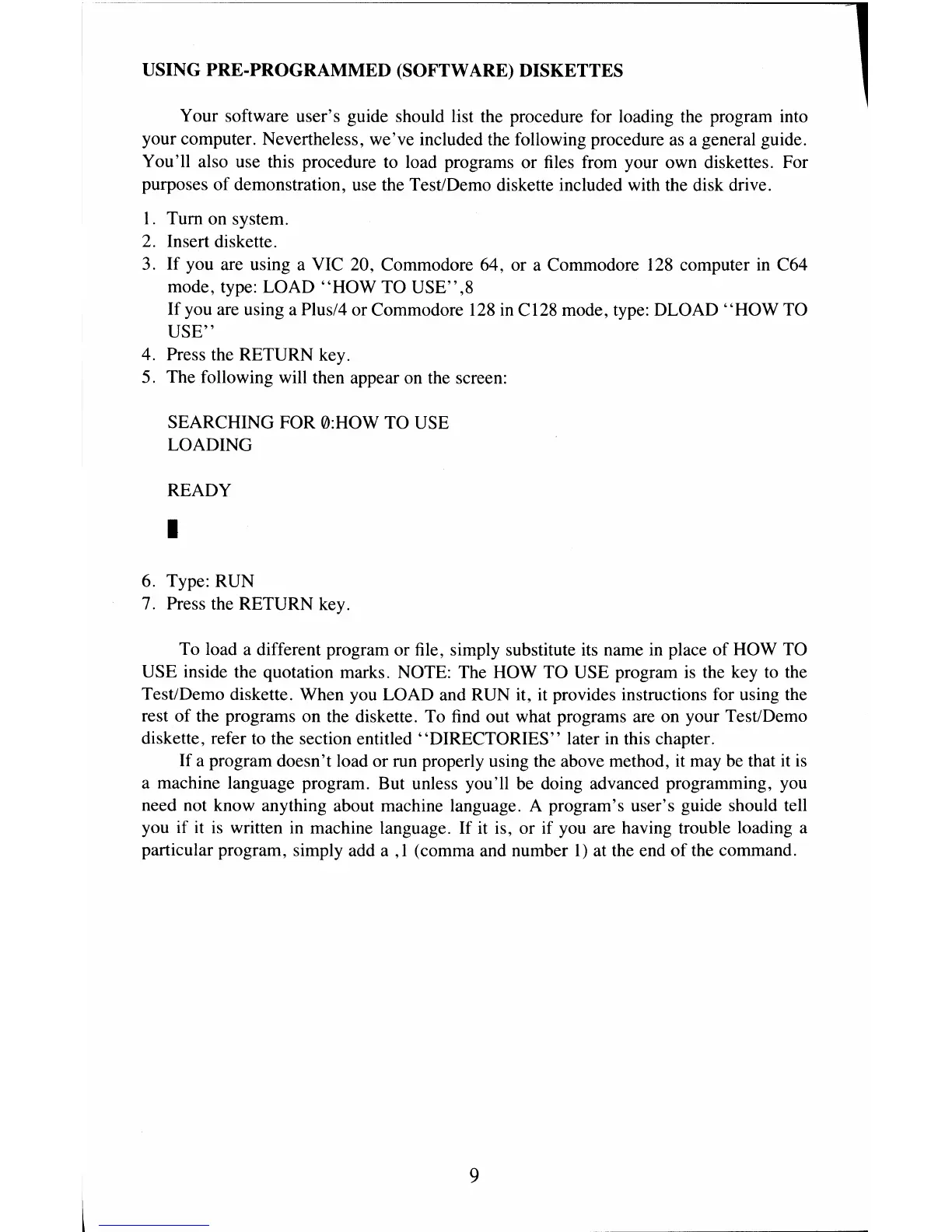
5. The following will then appear on the screen:
SEARCHING FOR 0:HOW TO USE
LOADING
READY
•
6. Type: RUN
7. Press the RETURN key.
To load a different program or file, simply substitute its name
in
place
of
HOW TO
USE inside the quotation marks. NOTE: The HOW TO USE program is the key to the
Test/Demo diskette. When you LOAD and RUN it, it provides instructions for using the
rest
of
the programs on the diskette. To find out what programs are on your Test/Demo
diskette, refer
to
the section entitled "DIRECTORIES" later in this chapter.
If a program doesn't load or run properly using the above method, it may
be
that it
is
a machine language program. But unless you'll be doing advanced programming, you
need not know anything about machine language. A program's user's guide should tell
you if it
is
written in machine language.
If
it is, or if you are having trouble loading a
particular program, simply add a
,1
(comma and number
1)
at the end
of
the command.
L
9



 To Next Page