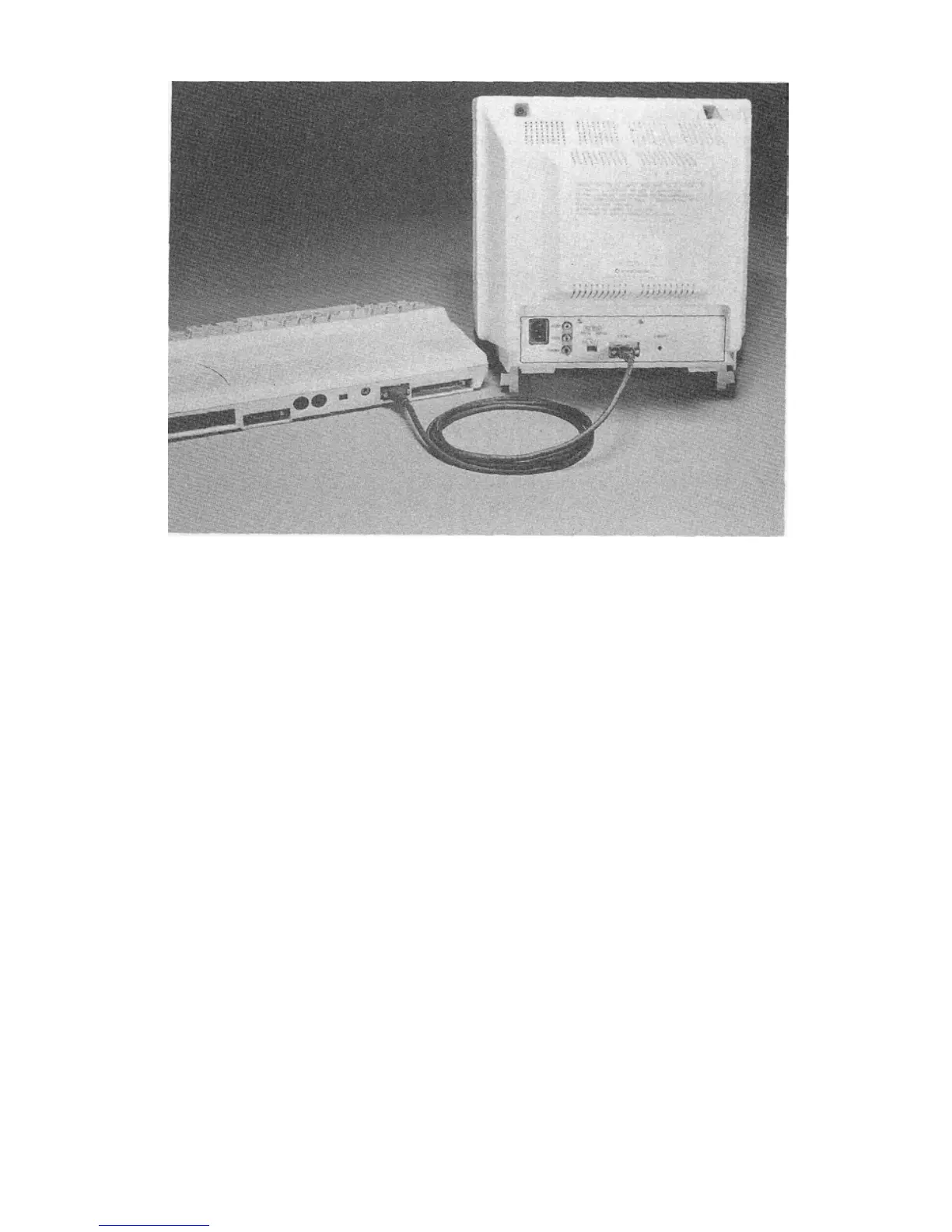
3. Switch the VIDEO MODE SWITCH to the RGB position.
4. Depending on your computer, you can select a specific RGBI
mode with the RGB MODE SWITCH on the back of the monitor.
You can select DIGITAL or ANALOG input. If you set the switch to
DIGITAL, you can choose POS (high sync) or NEG (low sync).
Select DIGITAL POS for the Commodore 128 or the Commodore
PC.
CONNECTING THE 80-COLUMN ANALOG RGB DISPLAY
TO AN AMIGA
If you have a computer which displays its output in analog RGB, like
the Amiga, use the 23-pin RGB cable. You'll also need an audio
cable (a thin cable with identical phono jacks on either end) and a
"Y" adapter cord (which you'll need to buy).
1. Plug the larger 23-pin end of the cable into the port on the back of
the Amiga marked RGB. Manually tighten the thumb screws on
either side of the connector.



 To Next Page