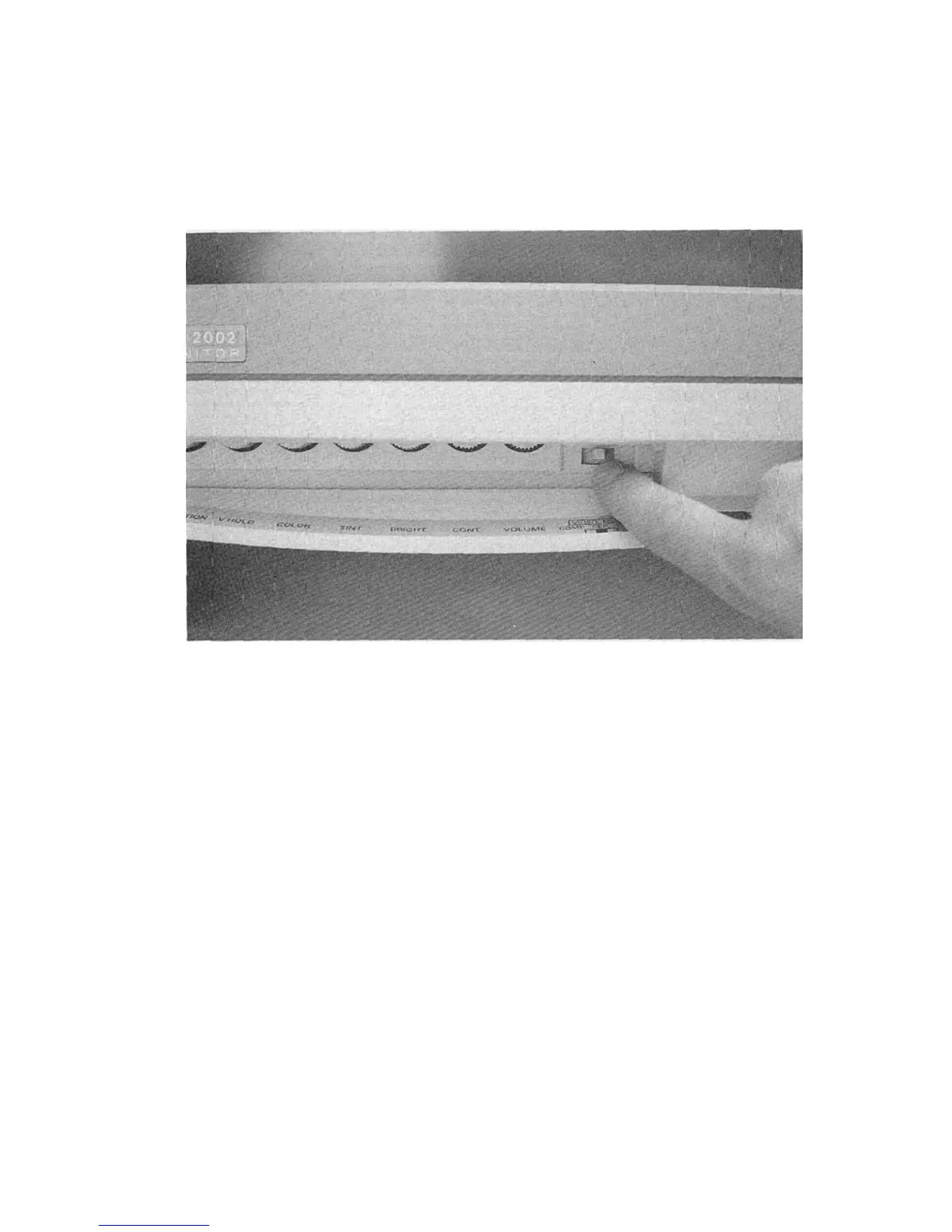
3. Set the VIDEO MODE SWITCH on the front control panel to SEP
(for separated luma and chroma) for a sharp color 40-column
picture display.
CONNECTING THE 80-COLUMN DIGITAL RGBI DISPLAY
You would connect this cable if you have a computer which uses an
eighty-column screen, like the Commodore 128, which has a nine-
pin RGBI port.
1. Plug the silver cable end into the port on the back of the computer
marked RGBI. That port should have a jack that is designed to
accept a nine pin D-connector. If there is no such port, the
computer was not designed for RGBI operation.
2. Plug the other end into the RGB input in the middle of the back of
the monitor.



 To Next Page