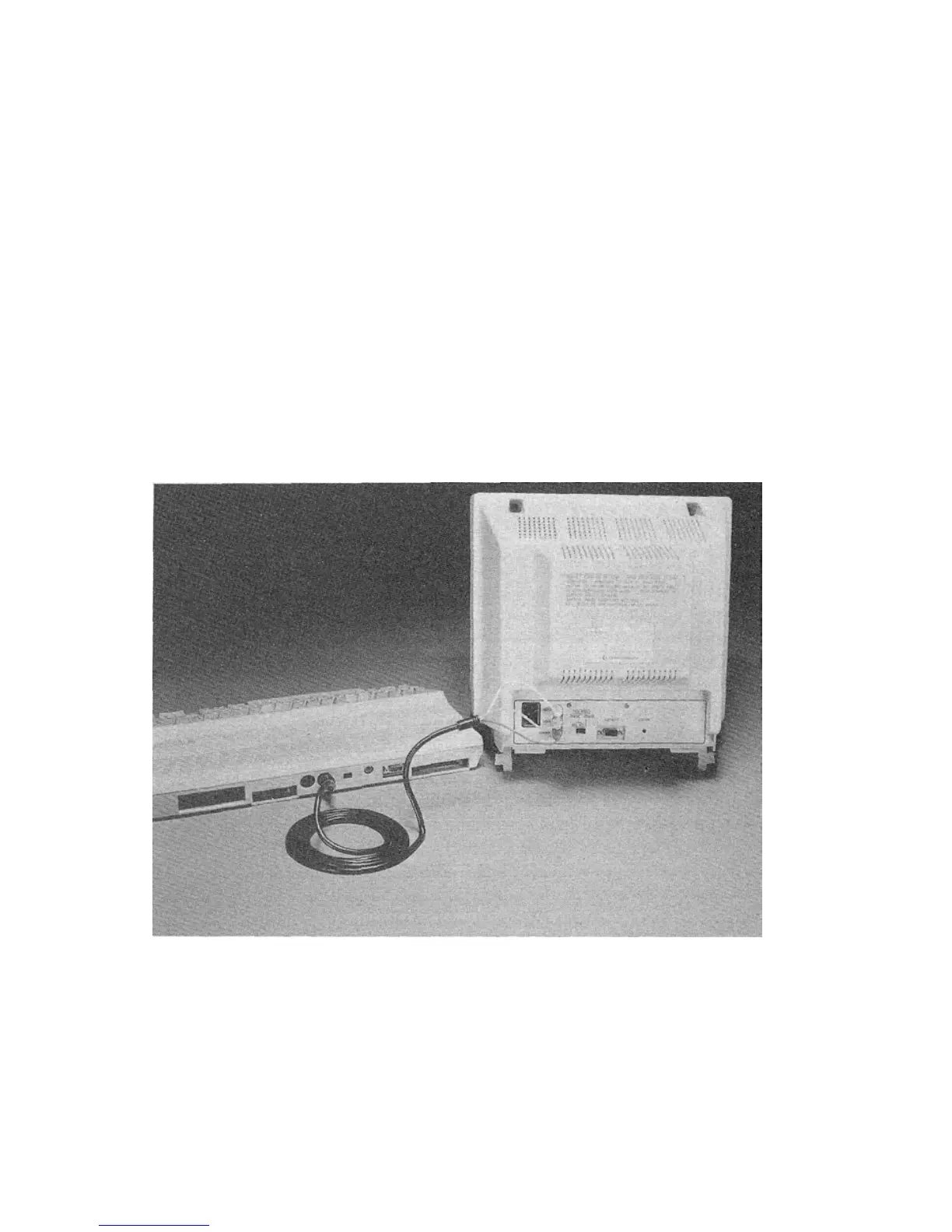
CONNECTING THE 40-COLUMN SEPARATED
CHROMA/LUMA DISPLAY
To connect the monitor for SEPARATED CHROMA/LUMA oper-
ation:
1. Plug the eight-pin DIN connector (the larger end of the cable) into
the VIDEO connector port on your computer. Make sure the small
dent on the metal end of the cable that you plug into the computer
is facing up, and push in the cable end firmly.
2. Insert the three colored plugs into the LUMA, CHROMA and
AUDIO jacks on the back of the monitor. The plugs and jacks are
color-coded:
• the white output plug goes into the AUDIO jack (WHITE) on
the monitor.
• the yellow output plug goes into the LUMA jack (YELLOW).
• the red output plug goes into the CHROMA jack (RED).
4



 To Next Page