4. Brancher les fiches de I'adaptateur en Y dans les prises gau-
che et droite du haut-parleur, a I'arriere de I'ordinateur Amiga.
5. Mettre Ie selecteur de mode video (VIDEO MODE SWITCH) a
la position RGB.
6. Selectionnez la position "Analog" sur Ie commutateur "RGB
mode".
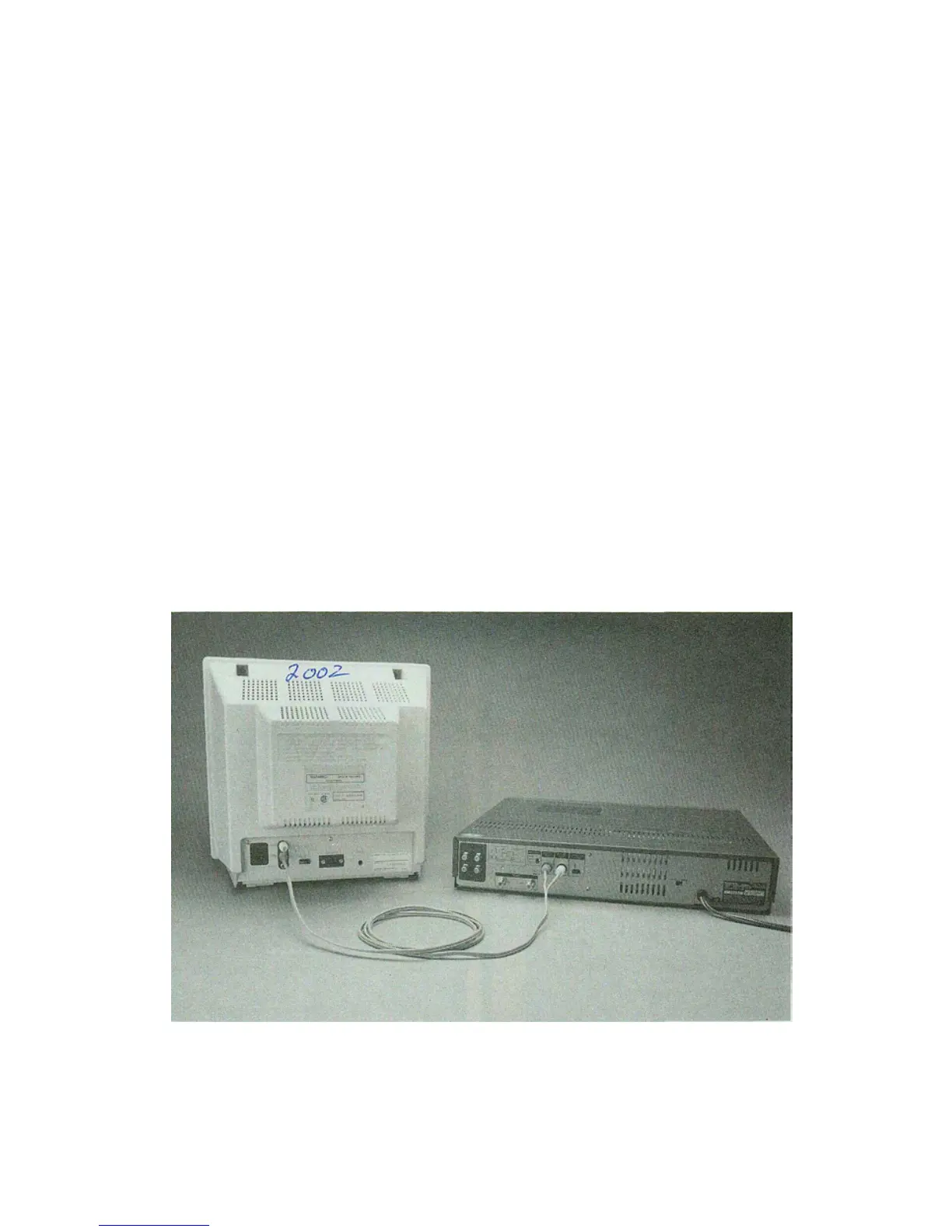
CONNECTING THE COMPOSITE DISPLAY
To connect the monitor for COMPOSITE display to get a picture from
television tuners or VCR's, you'll need cables designed to connect
the audio and composite video outputs from these devices to a
monitor. Standard RF cables with phono plugs at both ends will work
with most VCR's and TV tuners.
If you're using RF cables, connect one from video output of the
source to the yellow LUMA input jack on the monitor, and another
from the audio output of the source to the monitor's AUDIO input, as
this diagram shows.



 To Next Page