Set the VIDEO MODE SWITCH to COMP (for composite) to view
computer or video output in a 40-column color picture display.
TURNING ON YOUR MONITOR
After connecting your monitor to the computer and inserting the
three-pronged electrical plug into a power outlet, you are ready to
turn on your monitor. Follow these simple steps:
1. Turn the monitor on by pushing down the power switch. The
POWER INDICATOR LIGHT on the front of the monitor shows
, you when the power is on. Always turn the monitor on BEFORE
you turn the computer on.
Later, when you're ready to turn the power off, press the power
button again. The power light will go out.
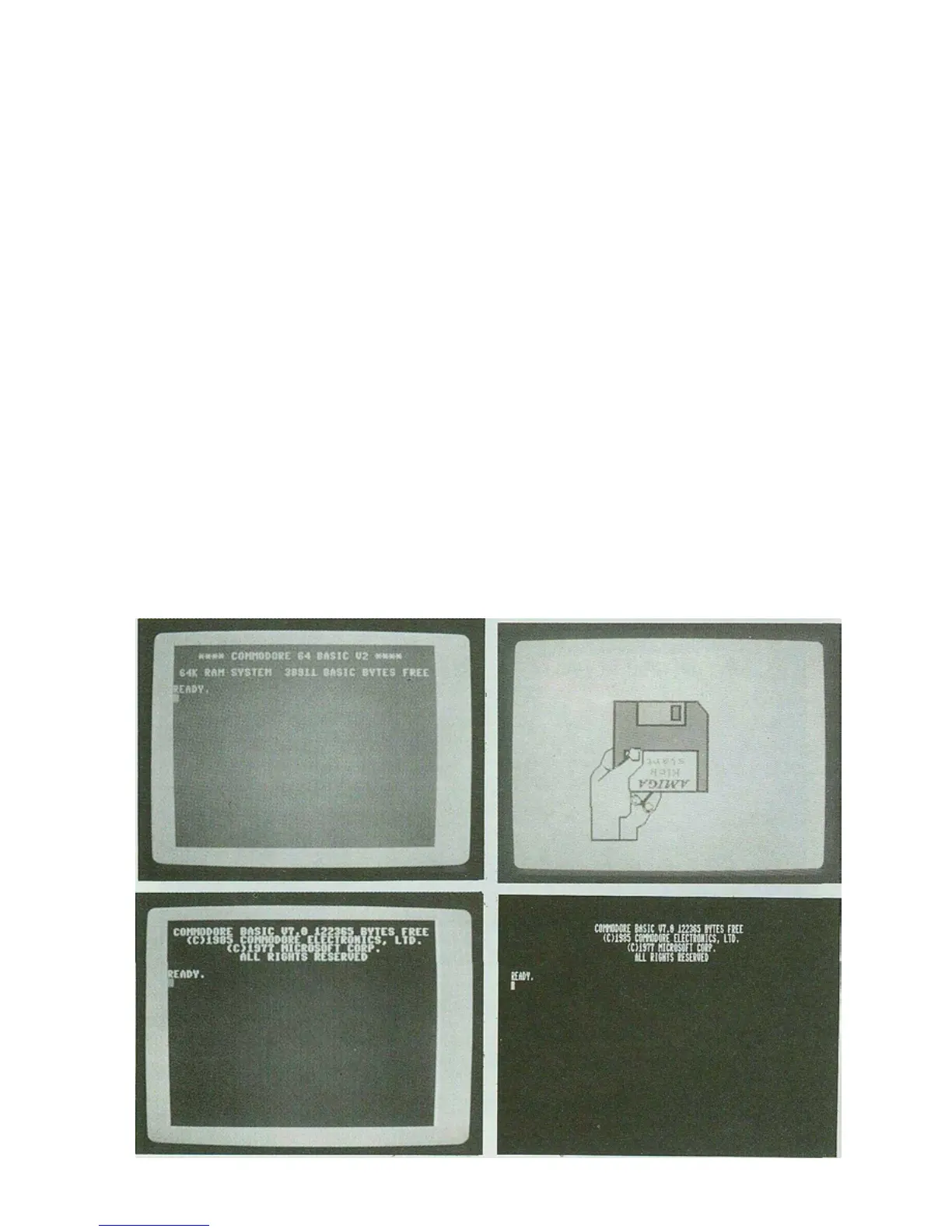
2. Turn your computer on. You can tell that both the monitor and
computer are working correctly when the monitor displays a mes-
sage like one of these:



 To Next Page