EasyManua.ls Logo

Commodore Amiga - Page 31

Commodore Amiga
162 pages
Print Icon
To Next Page IconTo Next Page
To Previous Page IconTo Previous Page
Loading...
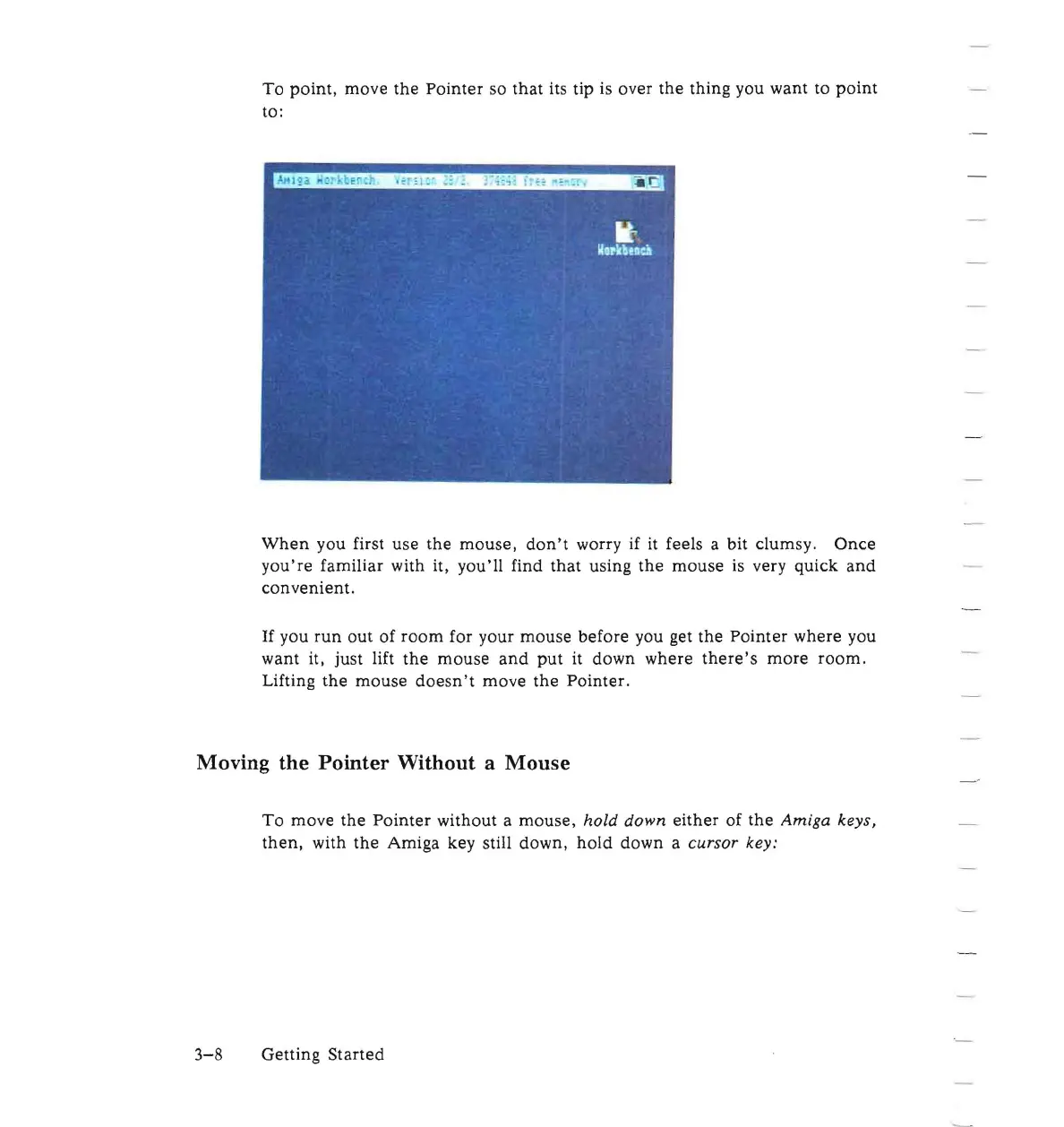
To
point,
move
the
Pointer
so
that
its tip is over
the
thing you want to
point
to:
When
you first use
the
mouse,
don't
worry if it feels a bit clumsy.
Once
you're
familiar with it,
you'll
find
that
using
the
mouse
is
very
quick
and
convenient.
If
you
run
out
of
room
for your mouse
before
you get
the
Pointer
where you
want it, just lift
the
mouse
and
put
it
down where
there's
more
room
.
Lifting
the
mouse
doesn't
move
the
Pointer.
Moving the Pointer Without a
Mouse
To
move
the
Pointer
without a
mouse,
hold
down
either
of
the
Amiga
keys,
then,
with
the
Amiga key still down,
hold
down a
cursor
key:
3-8
Getting
Started

Other manuals for Commodore Amiga

Related product manuals