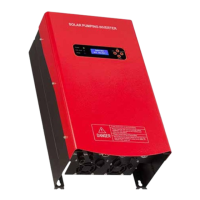
SOLAR PUMPING INVERTER I USER MANUAL
19
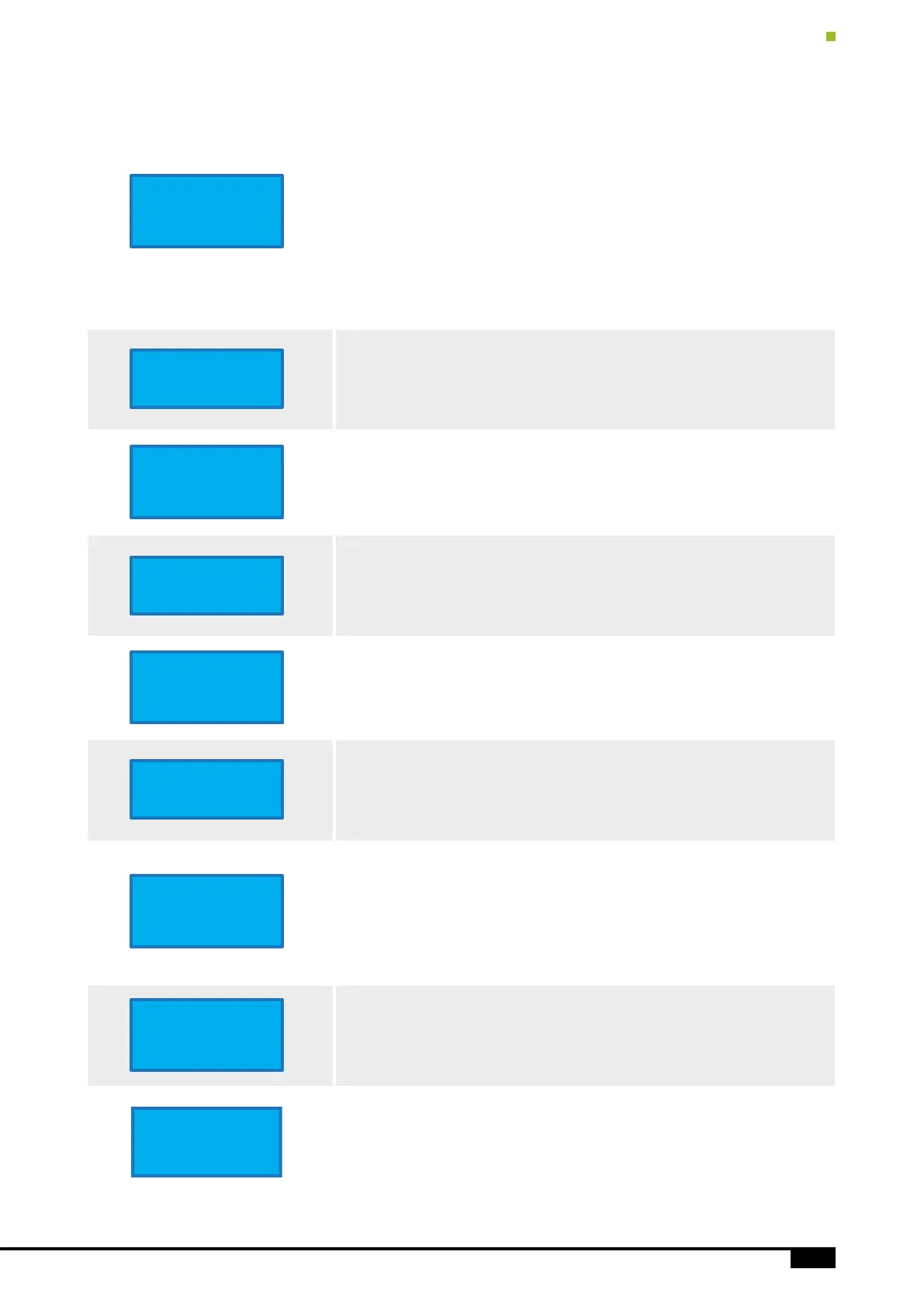
Main Menu
“UP”, “DOWN” Key for Changes Menu
“Enter” Key for enter Settings Menu
Line 1: Model
Line 2: Serial ID
Line 3: Show System is Running or Stop (and stop reason)
Line 4: System Time
Note: System time is important. It relates to the inverter working time.
Please set it to local time.
Solar/AC Input State
Show the Input Voltage, Current, Power of the Solar Panels
Hybrid On/O
Hybrid Power is On/O, show the power of the Solar Panels or AC
AC Output State
Show the AC Output frequency, and total output current
Inverter State
Show the Warning, Error and Temperature of the Solar Pumping inverter
Tank /Well’s Water Status
Show the water tank and well status.
If the water tank is full or well is empty, the inverter will running stop
running automatically and will show the status
Error History
View the error history
Press the “Enter” key to enter the menu, press “UP”/ ”Down” to select the
command to view or clean the history.
Note: If current cursor is on “More”, press “Enter” key to view more records,
then “UP”/”Down” key to change the records.
Generated Power
Solar generated total power, running time and capacitor lifetime percent
Inverter Information
Manufacture and Software Version
HSPH5500H
ID: 9792
On(Working)
14:24 07/16/19
Solar Power
Voltage: 592 (V)
Current: 4.4 (A)
Hybrid On
Solar: 5.1 (KW)
AC: 2.2 (KW)
Total: 7.3 (KW)
AC-Out 3Ph FWD
Freq: 50 (Hz)
Current: 10.0 (A)
Inverter Status
No Warning
No Error
Temp: 35. 6 Degree
Water Status
Tank Empty
Borehole Full
Error History
Error: 32
14:24 07/16/19
More Clear All
Generated Power
1.3 KW.H
R Time: 2.5
C Life: 99.9%
Design @ XXXX
V: 5.28.20
Serial Info
XXXXXXXXXXXXX


 To Next Page
 Loading...